Whether you call it an agrovet, an Agri-input dealer, or a farm supply store, the story is the same everywhere in the world.
A farmer walks in just before planting season, asking for the fertilizer they always buy. You know you have a few bags left. You check the shelf. Nothing. You call the storekeeper. "Oh, that finished last week."
Meanwhile, three shelves over, a different product has been sitting untouched for six months — quietly tying up money you could have spent on stock that actually sells.
If your records live in a notebook or a scatter of Excel files, this will keep happening. Not because you're careless, but because manual records can't keep up with a shop that sells fertilizers, seeds, crop protection, animal health products, feeds, tools and irrigation parts — all at once, all seasonally.
Here's the good news: LedgerBizz Inventory Pro is an offline Windows application built to handle exactly this kind of complexity. And unlike what many "agrovet software" articles assume, it doesn't just count quantities — it genuinely handles batch numbers, per-batch expiry dates, and First-Expired-First-Out (FEFO) selling. We'll get to that, because for an agrovet, it's the feature that matters most.
Let's walk through how it actually works.
1. Build a Clean Product Catalog (One Record Per Variant) #
The first job is getting your products into the Items Tab properly.
A quick honesty note: LedgerBizz doesn't have a separate "category" field — and you don't really need one. What it has is fast search, price-range filters, stock-status filters, and descriptions. So instead of category folders, use a consistent naming convention:
| Product | QTY |
|---|---|
| NPK 17-17-17 Fertilizer | 50kg Bag |
| NPK 17-17-17 Fertilizer | 25kg Bag |
| Hybrid Maize Seed | 2kg Packet |
| Knapsack Sprayer | 16L |
Each variant gets its own record with a buying price, selling price, minimum stock level, description, image and barcode. A 50kg bag and a 25kg bag have different costs and different margins — lumping them together as "NPK" is how spreadsheets lie to you.
A few things worth knowing:
- Images are automatically compressed to 100KB or less when you add them, and there's an "Optimize All Item Images" button in Settings. Your database stays light even with hundreds of product photos.
- Search and filter by name, description, barcode, buying/selling price ranges, and stock status (In Stock, Low Stock, Out of Stock).
- Import from Excel/CSV — so you can migrate your existing spreadsheet instead of retyping everything.
Important: The Items tab is your catalog. The app even shows a banner reminding you: to change stock quantities, use the Inventory tab, Purchasing, or sales documents. Editing an item changes its details — not its stock. That separation keeps your audit trail honest.
2. Record Every Purchase — and Let the Software Do the Cost Math #
In the Purchasing Tab, you keep a supplier directory (name, contact person, phone, email, address) and create Purchase Orders (POs).
The workflow is genuinely quick:
- Type to search for the supplier.
- Pick an item — its buying price auto-fills (and you can edit it if the price changed). You can even scan the product's barcode to select it.
- Enter quantity. The line total is calculated, and the current selling price is shown right next to the cost — so you can sanity-check your margin before ordering.
- When the delivery arrives, hit Receive Stock. Quantities update, and the PO tracks ordered vs. received.
Now, the part that protects your profit figures: supplier prices drift. Say you buy 30 bags of fertilizer at $28, then 30 more at $32. (Examples only — you set your own currency in Settings.) Your real cost isn't $28 or $32; it's a weighted average of $30. LedgerBizz recalculates the item's current cost as stock comes in, so your stock valuation and profit estimates reflect what you actually paid — not just the latest invoice.
Note: the full Purchasing module is part of the paid plans (Pro and above). The trial lets you explore the app first.
3. Stop Running Out of Best-Sellers #
Every item has a Minimum Stock Alert level. When stock drops to or below it, the item is flagged LOW STOCK (or OUT OF STOCK at zero) in three places:
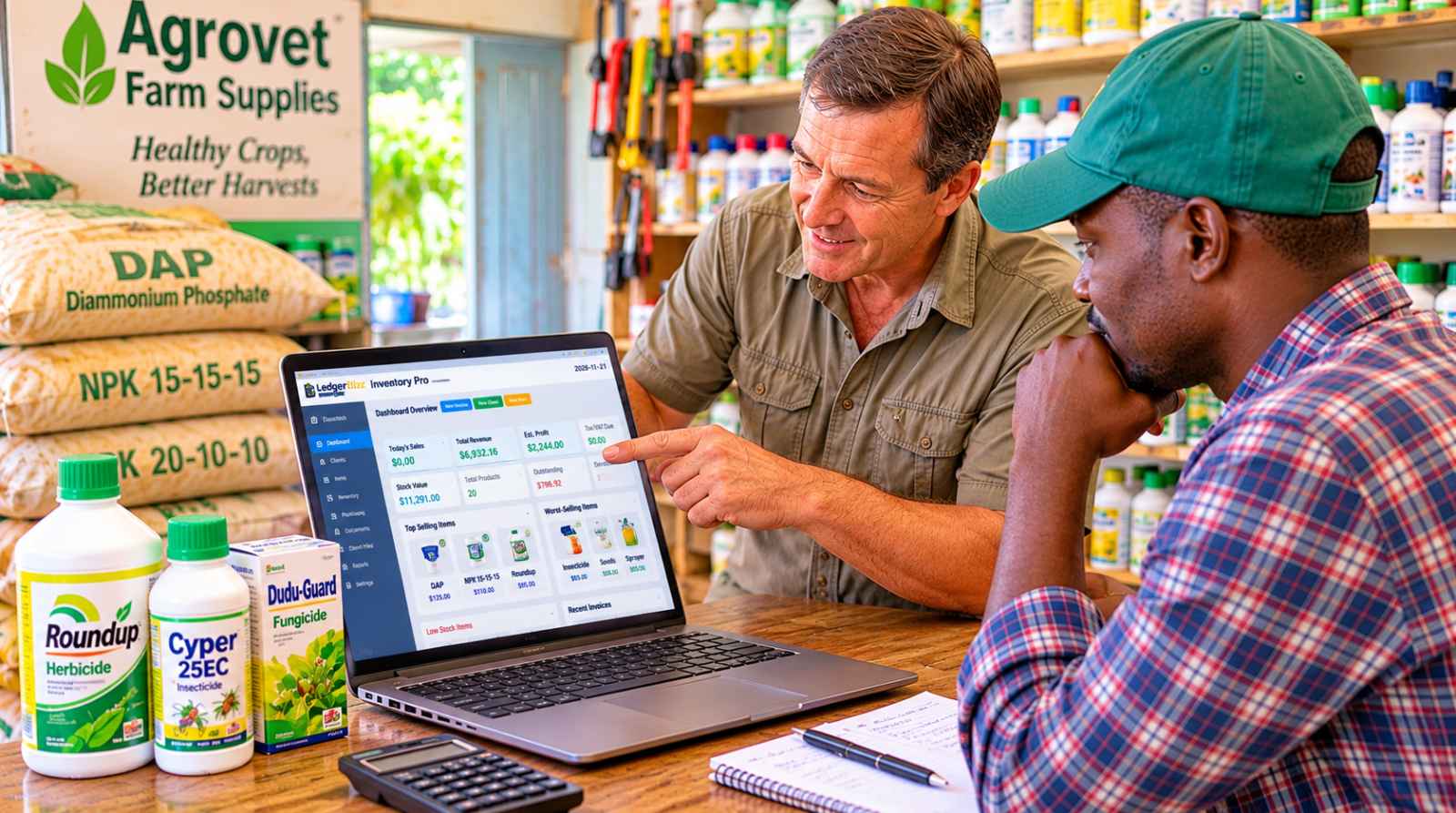
- The Dashboard's Low Stock panel — product, current qty, minimum, status.
- The Items tab filter — one click shows only low or out-of-stock products.
- The Reports tab's Inventory Alerts section.
For an agrovet, the trick is seasonal: raise your minimums for fertilizer and seed before planting season, and lower them afterwards. Animal feeds might keep a steady threshold year-round.
One honest caveat: these are alerts based on numbers you set. The software doesn't forecast planting seasons or predict demand — it makes sure you see the problem while there's still time to call your supplier.
4. Know What's Selling, What's Stuck, and What It's All Worth #
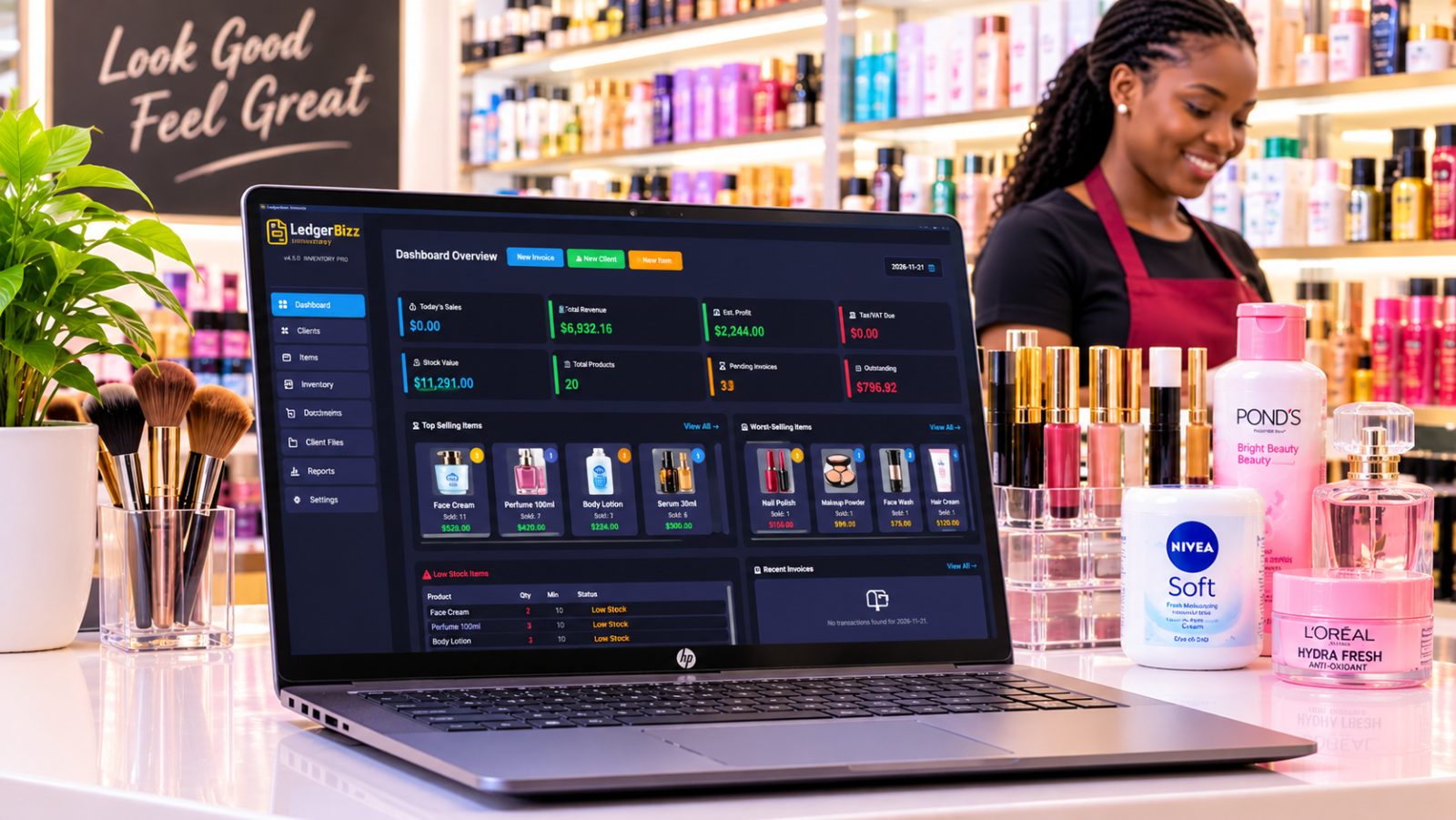
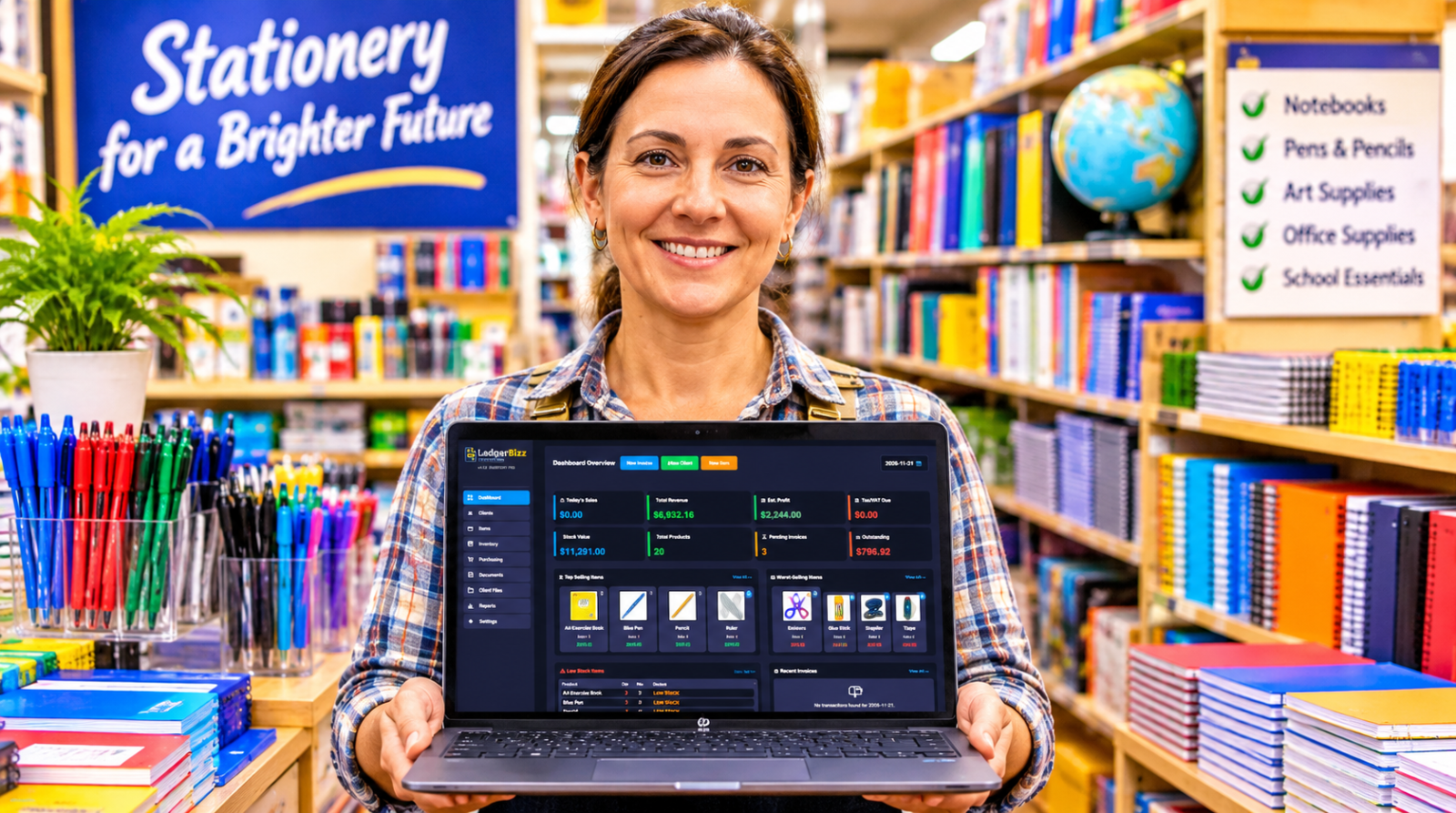
The Dashboard gives you the morning-coffee overview: Today's Sales, Total Revenue, Estimated Profit, Tax/VAT Due, Stock Value, Total Products, Pending Invoices and Outstanding balances — plus Top Selling and Worst-Selling Items with product images, and a date picker to review any day's transactions.
That Worst-Selling panel is underrated. If a product keeps appearing there, ask why: wrong season, wrong price, or simply something your customers don't want? Stop reordering it.
When you want depth, the Reports Tab offers:
- Date-range filtering with calendar pickers.
- Monthly sales and payment-status charts.
- Top customers, outstanding invoices, and product performance.
- Export All / Export Filtered to a multi-sheet Excel workbook — sales, inventory log, purchase orders, suppliers, profit & tax, stock valuation and more.
And remember: estimated profit is gross profit. Rent, transport, salaries and storage still come out of it.
5. Expiry Dates, Batch Numbers and FEFO — Yes, It Actually Does This #
This is where most agrovet software articles get it wrong, so let's be precise. LedgerBizz has two levels of shelf-life control, both optional, both in Settings.
Level 1: Expiry Tracking (per item) #
Turn on Settings → Expiry Tracking and you can:
- Set a Warning window and a Critical window (in days).
- Choose whether expired items are blocked from sale or allowed with a warning.
- Optionally show an expiry summary on startup.
Items get color-coded statuses — Expired, Critical, Warning, Safe, Missing Date — visible in the Items list, with a dedicated expiry filter. The Dashboard gains an Expiry Alerts panel showing counts and the cash value at risk. The Reports tab adds an Expiry & Shelf-Life Report you can export to Excel (Summary, By Status, Detail sheets).
To write off expired stock, you use Inventory → Adjust Stock → DAMAGE/LOSS — so the loss is recorded with a reason, not silently deleted.
Level 2: Batch/Lot Tracking + FEFO (the serious one) #
Enable Batch/Lot Tracking (it requires Expiry Tracking first) and the system starts tracking multiple expiry dates per item. Existing tracked stock gets an OPENING lot, so nothing is lost.
Here's what that looks like in practice:
| Lot | Qty remaining | Expiry date |
|---|---|---|
| OPENING | 12 | 2027-03-31 |
| LOT-002 | 40 | 2027-09-30 |
- Receiving stock? For each new lot, the app asks for that delivery's expiry date via a calendar picker.
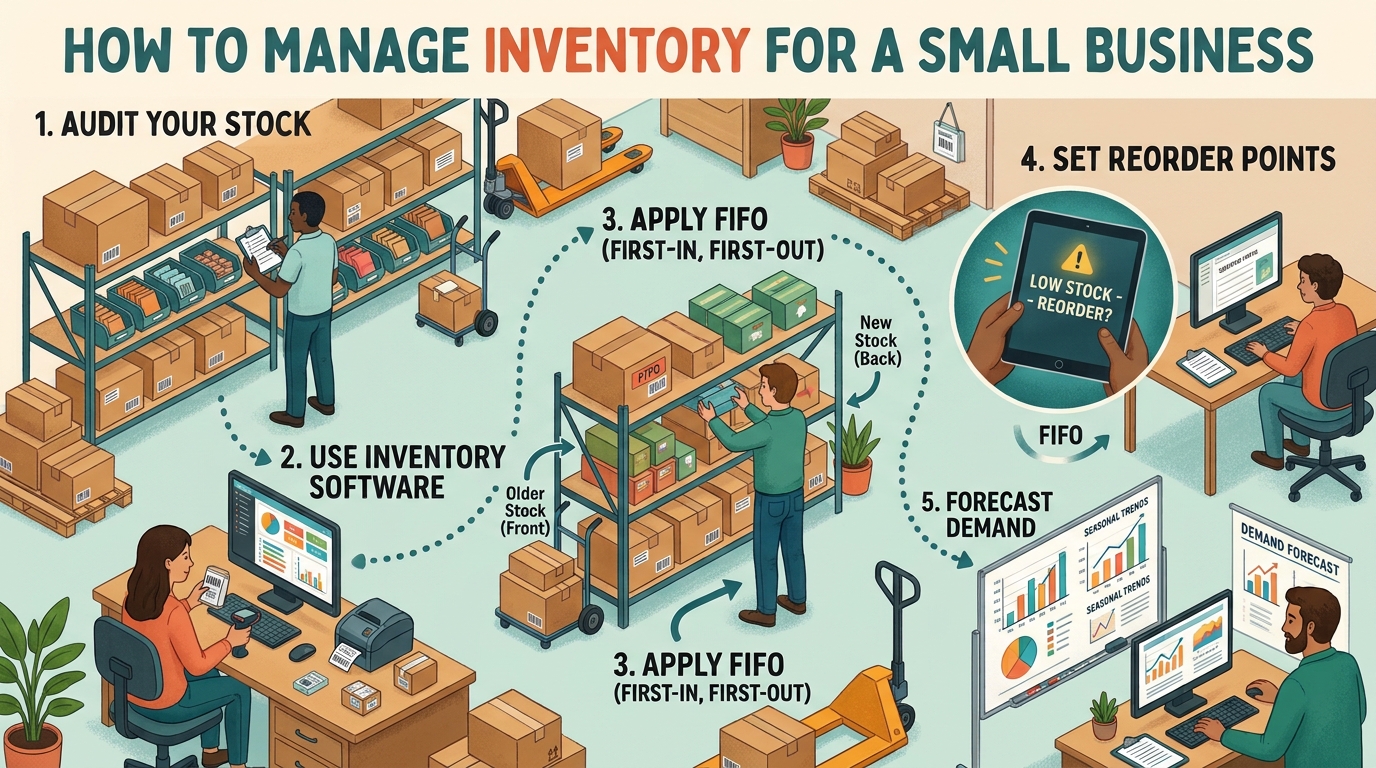
- Selling? The picking policy is FEFO (or FIFO if you prefer). Stock is deducted from the soonest-expiring lot first — automatically.
- Selling near-expiry stock? Before saving, the app shows exactly which lots the sale will consume and warns you if any are expired or critical. Expired and quarantined lots are excluded from "salable" stock, so you can't accidentally sell them.
- Returns? Returned stock can sit in Quarantine — visible but not sellable. The Verify & Release dialog requires a verified expiry date, a written inspection note, and an explicit "I have physically inspected this stock" confirmation before it re-enters sellable stock. That note stays in the audit trail.
- Numbers drifted? The Reconcile Lots vs Stock button checks lot totals against item stock and fixes mismatches, with lots as the source of truth.
What it honestly doesn't do #
It doesn't monitor storage temperature, generate automatic recall reports, or make you regulatory-compliant. Pesticide and veterinary medicine rules — labelling, storage separation, record retention — vary by country, and they remain your responsibility. What LedgerBizz gives you is the paper trail: lot records, a full inventory movement log, and Excel exports to support whatever your local regulator requires.
6. Sell Faster, Document Everything, Get Paid #
The Documents Tab handles the full sales chain: Invoices, Receipts, Quotations, LPOs, Proforma Invoices, Delivery Notes, Credit Notes and Debit Notes.
- A cooperative sends an LPO? Create the invoice linked to it and hit Load — items, tax and discount pull straight through. Quote → invoice → receipt works the same way.
- Scan to Add with a USB barcode scanner keeps the counter moving during the pre-season rush. No barcode on a product? Generate Code128 labels and download them as PNGs or a ZIP.
- Stock is validated at save — you can't oversell, and batch-tracked items check salable lot stock.
- Take partial payments with a running balance, payment methods and transaction references, and a full payment history per invoice.
- Choose from 10 PDF templates, print, or email documents directly via SMTP — with customizable email templates and a resend button in the email history.
You can also attach files to client records — signed delivery notes, credit agreements, permits — in the Client Documents tab.
7. Offline, Encrypted, and Yours #
LedgerBizz runs on Windows, fully offline. Internet is only needed for activation, updates, and sending emails.
Your data is protected with AES-256 encrypted backups — manual or scheduled (daily, every 12 hours, or weekly, with 7/14/30-day retention), optionally emailed to your backup address, with a built-in password viewer and a restore process that even preserves your email settings.
And because it's built for business anywhere: set your own currency, tax rate, company details and branding in Settings. The examples in this article use dollars; yours can use whatever your customers pay with.
Conclusion: Plant the Season, Not the Problems #
Agrovet retail will always be seasonal, complex and full of moving parts. But "I thought we had stock" and "I didn't know that batch expired" are solvable problems.
Build a clean catalog. Record every purchase and movement. Set your minimums before the season hits. And switch on expiry and batch tracking so the oldest stock sells first — automatically.
Ready to get organized?
- ✅ Offline Windows app — your data stays yours
- ✅ Batch/Lot tracking with FEFO selling
- ✅ Expiry alerts with value-at-risk reporting
- ✅ Quarantine & verified release for returns
- ✅ Purchasing, invoicing & partial payments
- ✅ Barcode scanning & label generation
- ✅ AES-256 encrypted auto-backups