Every software decision in a small business eventually becomes the same question: does this run on my computer, or on someone else's? Cloud tools promise access from anywhere; offline tools promise independence from everything. Both promises are real — and both have prices that the marketing pages mention quietly, if at all.
This is an honest comparison of offline business software vs cloud-based software: where each genuinely wins, what each actually costs over three years, and the hybrid pattern that gives a small business cloud-style safety without cloud dependence — with LedgerBizz Standard as the concrete offline example.
Two Different Philosophies #
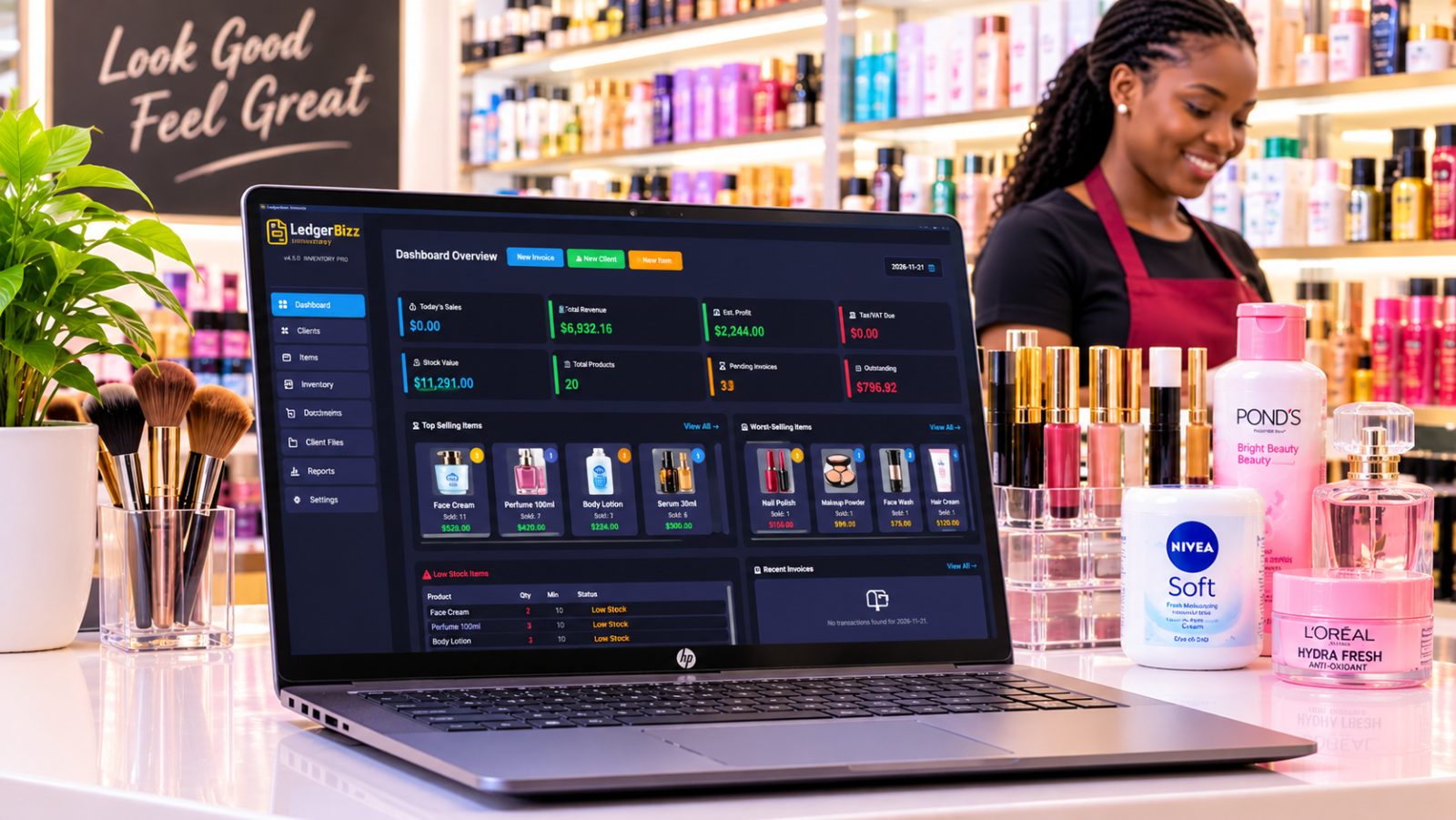
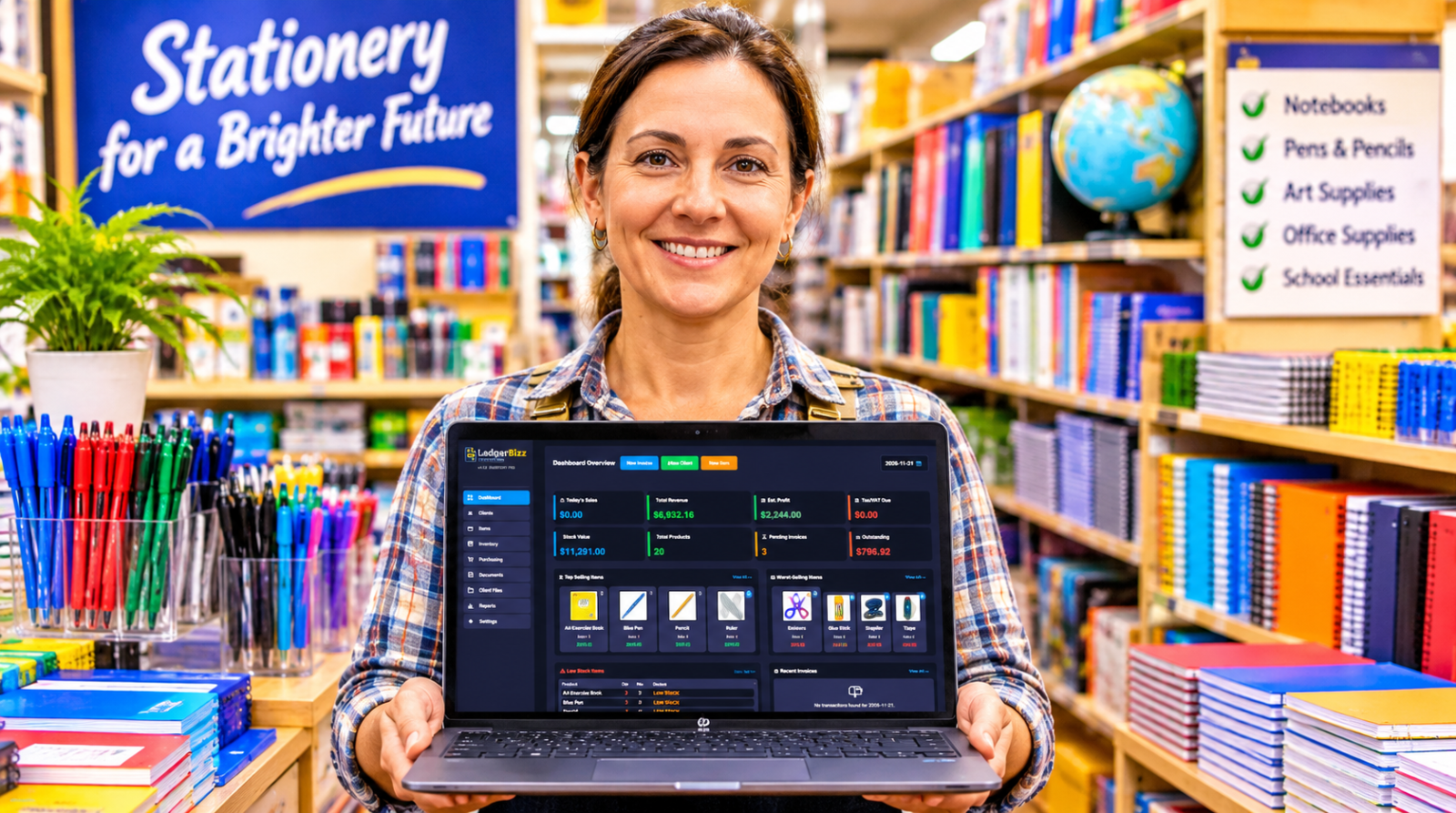
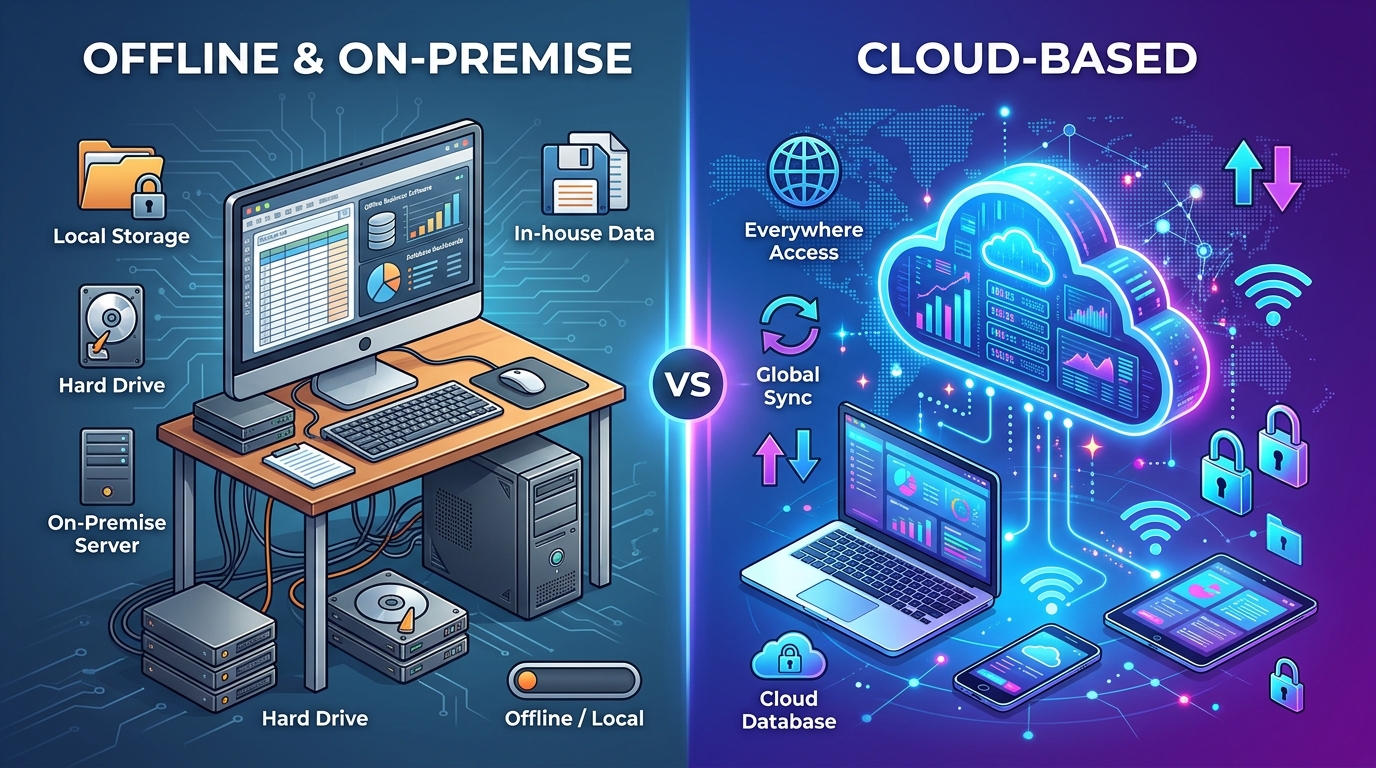
Offline-first desktop software installs on your machine and stores its database locally. LedgerBizz opens instantly, works with no connection, and touches the internet only for optional tasks: sending email through your own SMTP account, receiving emailed backups, and the one-time license activation against your Hardware ID (shown with a copy button in the activation dialog). Everything else — documents, totals, PDFs, reports — is yours, on your disk.
Cloud-based software runs in a browser against the vendor's servers. Your data lives in their database, under their terms of service, reachable from any device — as long as the internet, the vendor, and your subscription are all having a good day.
The Head-to-Head #
| Criteria | Offline desktop | Cloud subscription |
|---|---|---|
| Works without internet | Yes, fully | No |
| Open and search speed | Instant, native | Network round trips |
| Where your data lives | Your machine, encrypted | Vendor servers |
| Third-party access to records | None by design | Vendor + their subprocessors |
| Typical 3-year cost (1 user) | $57–$120 | $360–$1,440 |
| Real-time multi-user editing | Not the model | Genuinely strong |
| Access from any device | Your licensed machines | Any browser |
| Backups | Yours: encrypted, scheduled, emailed | Automatic, vendor-held |
| If you stop paying | Data stays readable and exportable | Access can end |
| Update control | Install when you choose | Changes arrive unannounced |
Neither column is all green. The right choice depends on which red cells you can live with.
The Three-Year Cost Math #
Subscription pricing is designed to feel small monthly and be large annually. Here is the same comparison stretched over three years, for a single user:
| Option | Year 1 | Year 2 | Year 3 | 3-year total |
|---|---|---|---|---|
| Cloud tool at $15/month | $180 | $180 | $180 | $540 |
| Cloud tool at $30/month | $360 | $360 | $360 | $1,080 |
| LedgerBizz Pro ($19/year) | $19 | $19 | $19 | $57 |
| LedgerBizz Lifetime ($120 once) | $120 | $0 | $0 | $120 |
Two multipliers make the gap wider in real life: cloud tools usually charge per user, so a three-person office triples those rows — while the LedgerBizz lifetime license covers three computers at no extra cost. And cloud prices rise; a tool that started at $12 rarely stays there.
Where Cloud Genuinely Wins #
Credit where due — cloud software is the right answer when:
- Several people edit the same records simultaneously. Real-time collaboration is the cloud's home turf.
- You work from many devices and locations daily, and always have solid connectivity.
- You want offsite redundancy by default, with zero backup discipline required.
- You depend on integrations — payment gateways, CRMs, and APIs that live in the same ecosystem.
If five staff members need the same invoice open at the same moment, buy the cloud tool. Pretending otherwise would be dishonest.
Where Offline Wins #
- Connectivity reality. Outages, data-bundle costs, rural sites, client basements — an offline app simply does not care.
- Native speed. Every LedgerBizz list filters as you type, locally; pages of 50 records keep years of history instant.
- Ownership and privacy. No vendor mines your customer list, and no vendor breach exposes your financial history.
- Predictable cost. A license is a decision; a subscription is a leak.
- Outage immunity. When a cloud provider has its worst day of the year, your office has a normal one.
- No data hostage situation. This one is explicit in LedgerBizz's licensing: if your license expires, the software reverts to trial mode — you can still view every record, run reports, and export your data; only new creation beyond trial limits pauses until renewal. Try that with a cancelled subscription.
The Hybrid Pattern: Offline Core, Cloud-Style Safety #
The strongest argument against offline software used to be backups: what if the machine dies? The modern answer borrows the cloud's best idea — offsite copies — without its dependency. Here is the pattern as it actually runs:
- Work offline on a local, encrypted database.
- Deliver via email — the 📧 button sends branded PDFs through your SMTP whenever you are connected.
- Back up offsite automatically — Settings → Scheduled Local Backup creates AES-256 encrypted files on your cadence (Daily, Every 12 Hours, or Weekly; note the scheduler runs while the app is open). Files under 20MB are emailed to you as attachments with their decryption password, so a copy of your business lives in your inbox, off the machine.
- Keep every key in the vault — 🔑 View Passwords lists each backup's password with a copy button, so encryption never becomes self-lockout.
- Restore on any new machine — Restore Backup pulls everything back, fixes file paths for the new environment, and even preserves your current SMTP settings and password history across the restore.
That is cloud-grade disaster recovery with desktop-grade independence. For a solo operator or a small office, it is the best of both columns.
Security: Different Risks, Not Zero Risks #
Cloud security means trusting a vendor's perimeter: their breaches, their staff, your password hygiene, and account-takeover attempts aimed at your login. Offline security means trusting your own discipline: machine access, local encryption, and backup routines. Neither is magic. The honest framing is which risk set do you control? With offline software, every layer of the answer is in your own hands — and even the licensing is machine-bound: keys activate against your Hardware ID, not a floating account someone can phish.
A Simple Decision Checklist #
Choose offline if: you are solo or a small team, connectivity is imperfect, cost matters, privacy matters, and your work is document-centric — invoices, receipts, quotations, LPOs, letters.
Choose cloud if: a distributed team edits records in real time, you live inside an integration ecosystem, connectivity is guaranteed, and IT manages the stack.
Choose the hybrid pattern if: you want offline independence with offsite safety — which describes most small businesses most of the time.
Quick Answers #
Is offline software outdated? #
No — it is a deployment choice, not a vintage. Updates are free for licensed users: download the latest installer and install over your existing version; your database, settings, and documents stay intact. You update on your schedule, not the vendor's.
Can I still email clients and work online? #
Yes. Offline means independent of the internet, not allergic to it. SMTP delivery, emailed backups, and license activation all use your connection when it exists — and if SMTP fails mid-send, the app falls back to your default email client rather than losing the message.
What if I outgrow it? #
Excel export means your clients, items, and records leave with you, in a format every other tool accepts. No lock-in is the quiet feature that makes every other decision reversible.
The Bottom Line #
The cloud is a fine place to visit and an expensive place to live. For the document-driven core of a small business, offline-first software with encrypted email backups delivers the speed, ownership, and cost profile the cloud cannot match — as we detail in choosing the best offline invoicing software. Run the free 10-day trial of LedgerBizz Standard through a real week of work, including one day with the router unplugged, and let the experience settle the debate.