A stockout is a sale you handed to a competitor — and usually a customer you handed over too. The cruel part is that stockouts are predictable: they happen when nobody is watching the gap between shelf and delivery. Here is the loop that closes that gap in LedgerBizz Inventory.
Step 1: Give Every Item a Minimum #
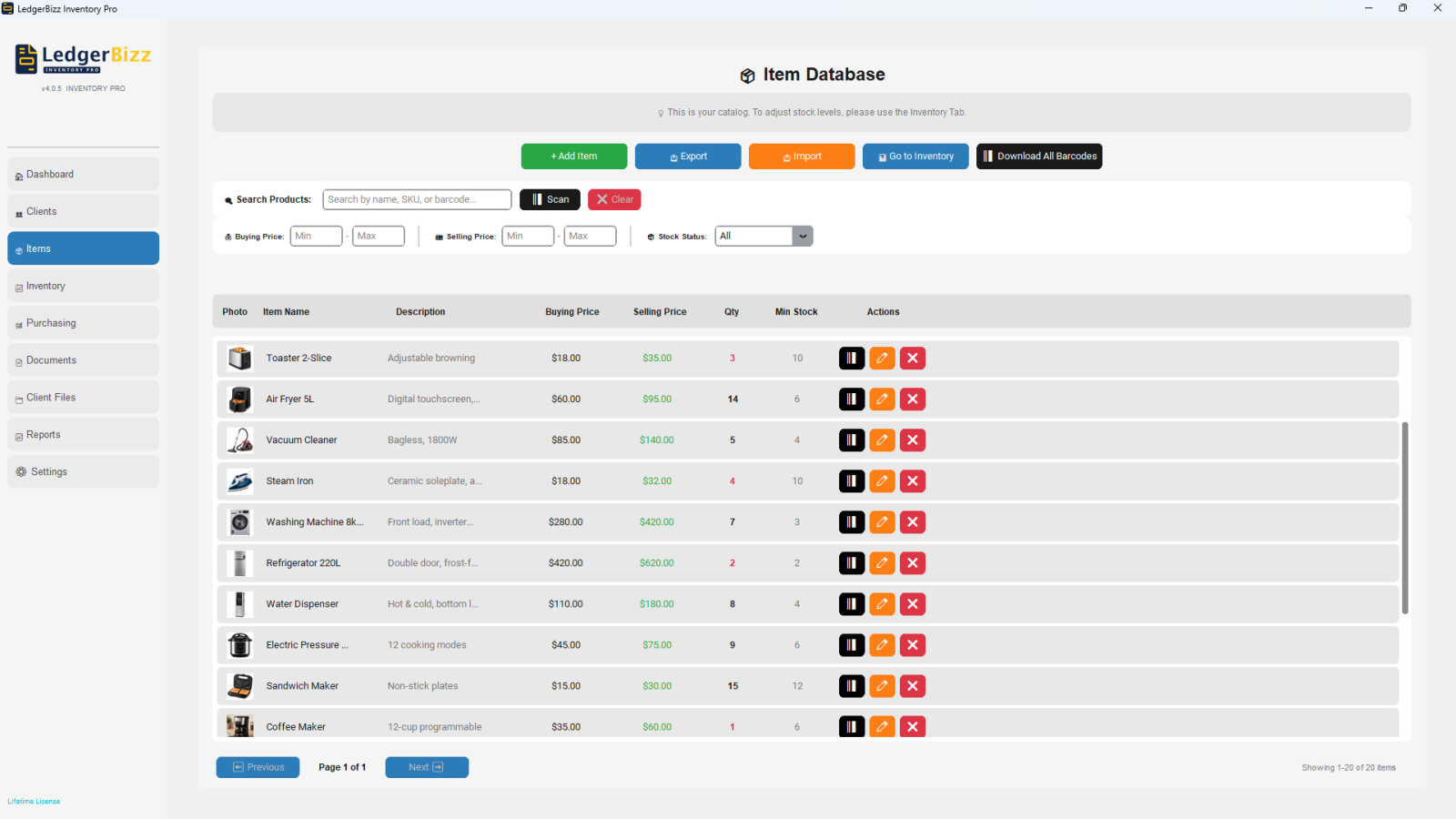
In the Items tab, each product has a Min Stock Alert (default 5). Set it from velocity, not habit:
If you sell 4 units a day and your supplier takes 5 days, you need 20 units just to cover lead time — add a buffer for late deliveries and demand spikes, and set the minimum around 25–30. The app then flags the item the moment it crosses that line.
Step 2: Read the Alerts Daily #
Two surfaces show the same truth:
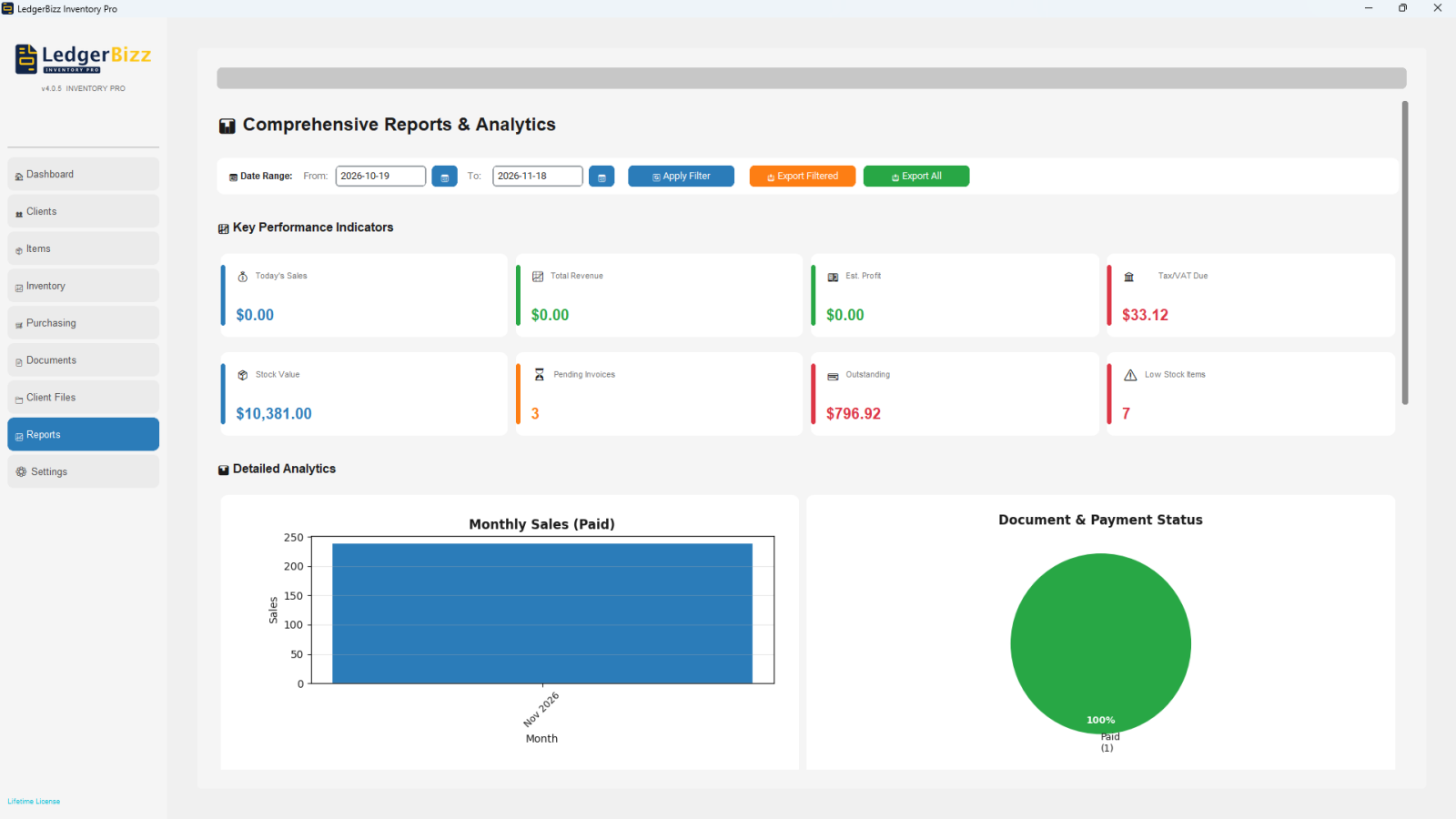
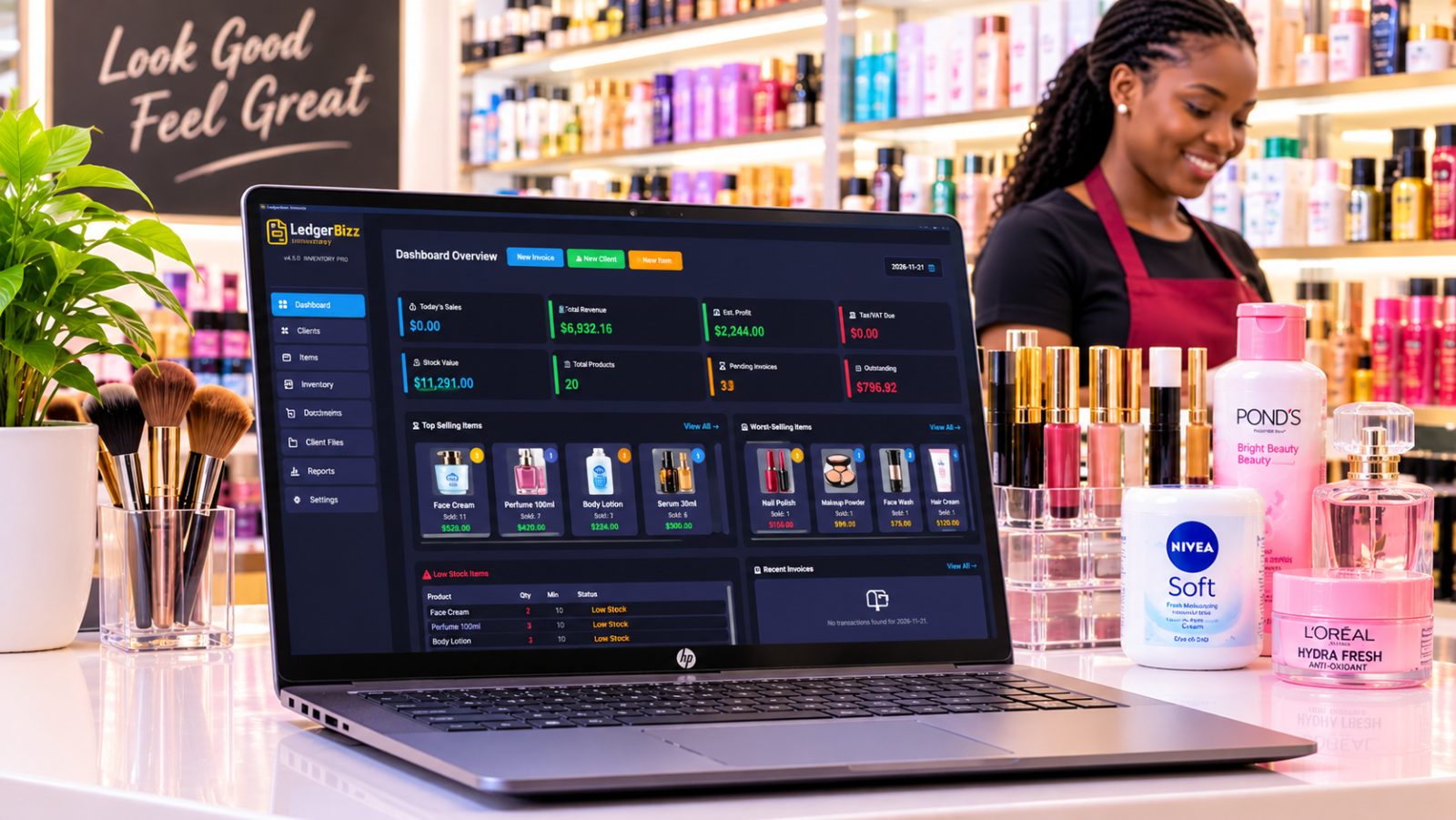
- Dashboard → ⚠️ Low Stock Items panel: quantity, minimum, and status — LOW STOCK in orange, OUT OF STOCK in red at zero.
- Reports → 📦 Inventory Alerts: the fuller list beyond the dashboard's top 20, with the same status logic.
Make the panel part of opening the shop, like checking the till. A LOW STOCK flag is a future stockout with a countdown; an OUT OF STOCK flag is a stockout already happening.
Step 3: Turn Alerts Into Purchase Orders #
The Purchasing tab closes the loop:
- + New Supplier once per vendor (name, contact, phone, email, address).
- 📝 Create PO: pick the supplier, add items (the ║▌ scan button works here too), quantities and costs auto-fill from buying prices.
- When the delivery arrives, tick the PO and press 📥 Receive Stock. Quantities update, Weighted Average Cost recalculates, and a PURCHASE movement lands in the audit trail with the PO reference.
Partial deliveries are handled honestly: the PO shows ordered vs received per line, and receiving again tops up the remainder.
Step 4: Let the Oversell Guard Catch Mistakes #
Even with alerts, someone will try to invoice more than exists. The app blocks it: "Insufficient stock… Total Requested / Available." Scanning an out-of-stock item into an invoice is refused with a warning. That guard turns a silent negative-stock disaster into a visible conversation with the customer — reserve, substitute, or order.
Step 5: Keep the Count Trustworthy #
Alerts are only as good as the quantity behind them. Three habits protect it:
- Record damages and returns the day they happen (DAMAGE / RETURN movements), so the shelf and the ledger agree.
- Count fast movers monthly and post ADJUSTMENT movements to the counted target.
- Never fix stock by editing old invoices — movements are the correction mechanism.
The Weekly Stockout Review #
Every Friday: read the Low Stock panel, compare against open POs (is everything flagged already on order?), and chase any supplier whose lead time has slipped. Five minutes, and next week's stockouts are cancelled in advance.
Why Spreadsheets Can't Do This #
A spreadsheet can hold a minimum column, but it cannot watch it while you sell, block an oversell at the till, or turn an alert into a receiving event that updates cost. The loop only works when alerts, sales and purchasing share one ledger.
The Bottom Line #
Stockouts are not bad luck; they are unwatched gaps. Set velocity-based minimums, read the alerts daily, and close the loop with POs. The free trial of LedgerBizz Inventory runs the whole loop for ten days — set your minimums on day one and let the flags do the worrying.