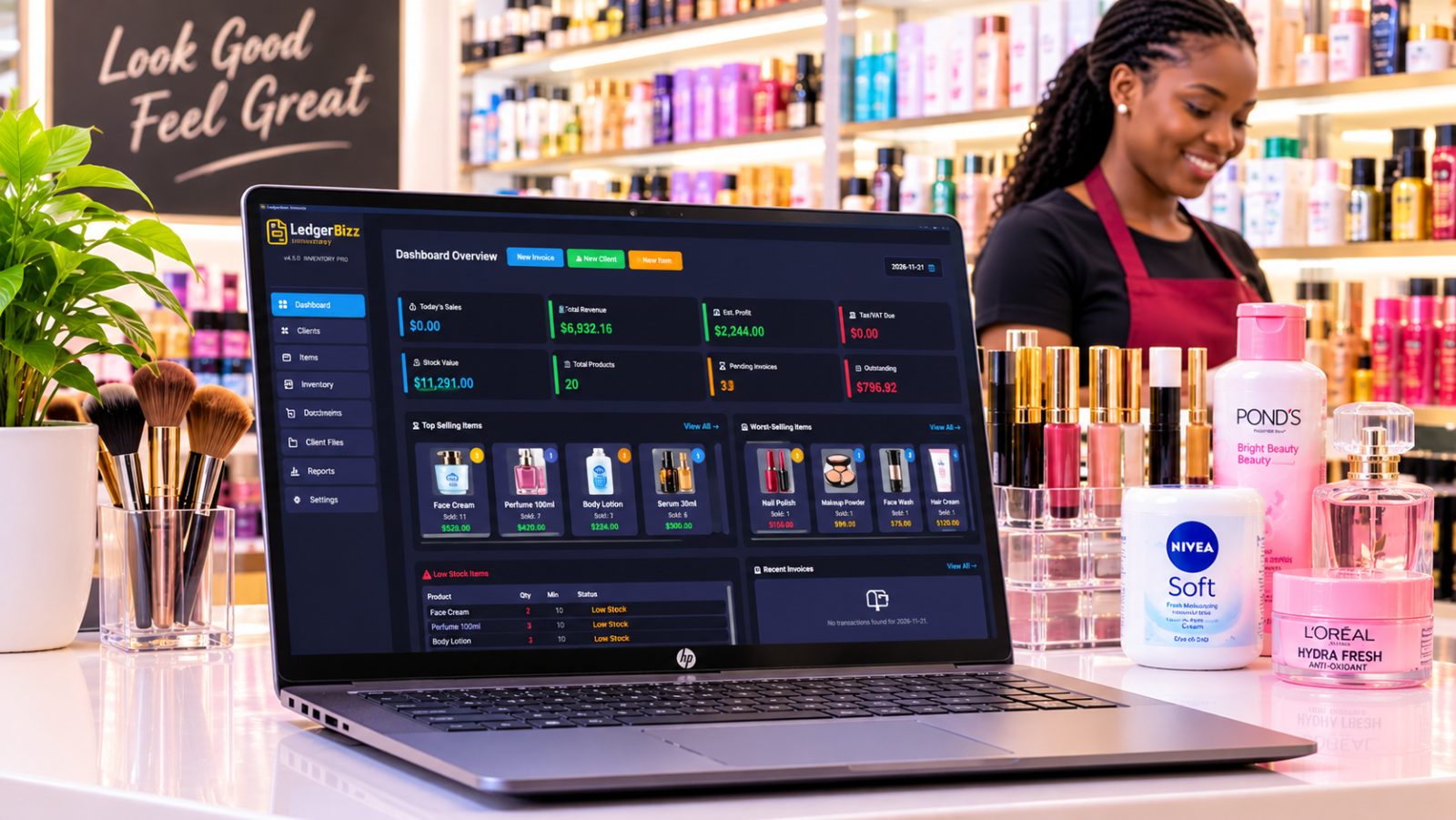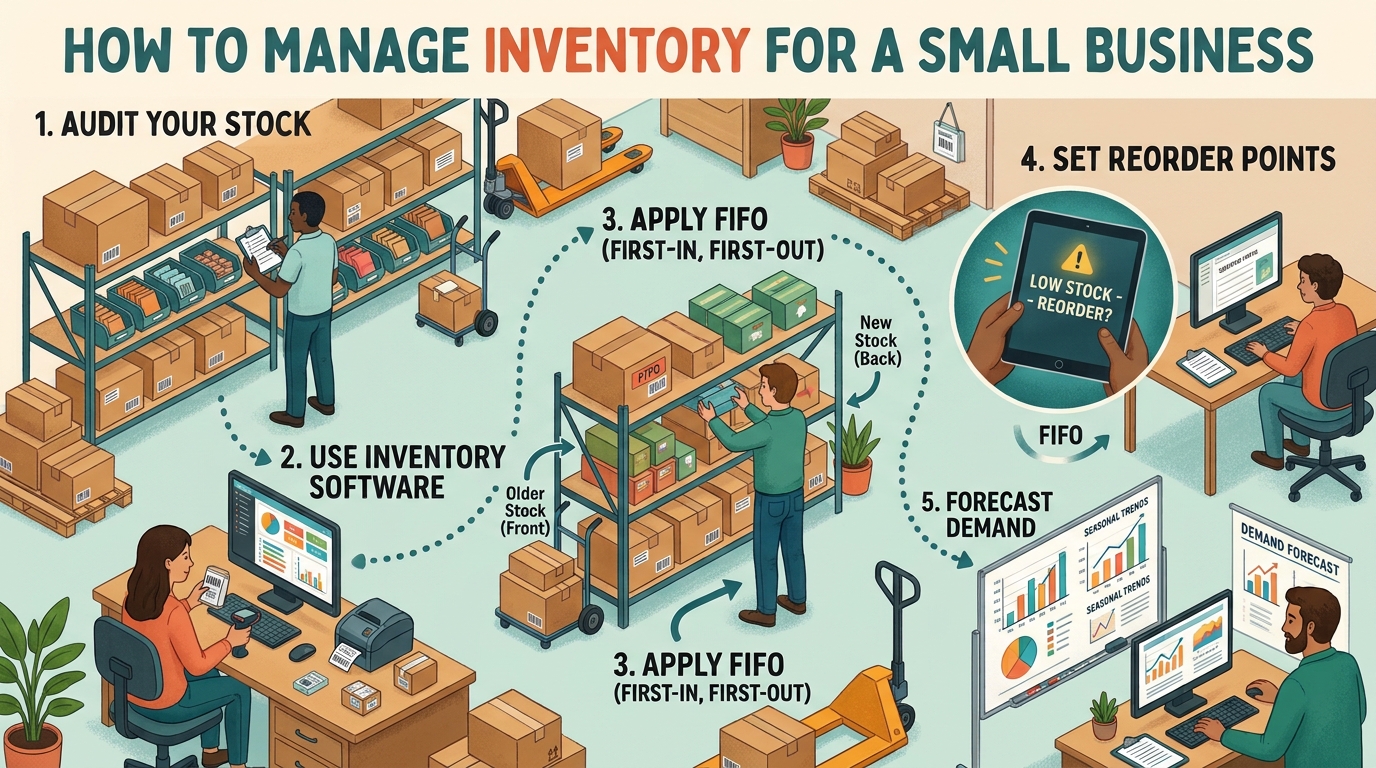
Buying well is half of profit. A shop that sells brilliantly but buys carelessly — wrong costs, missing deliveries, untracked suppliers — leaks margin on every receipt. The Purchasing tab in LedgerBizz Inventory exists to make buying as disciplined as selling.
Keep a Real Supplier Directory #
Each supplier record holds name, contact person, phone, email and address. That is enough to answer the questions that matter at 4pm on a Friday: who do I call, what did we order, and what did they promise? Add suppliers with + New Supplier, edit or delete from the list — and note that deleting a supplier also removes their purchase orders, so retire vendors deliberately, not accidentally.
Create Purchase Orders That Mean Something #
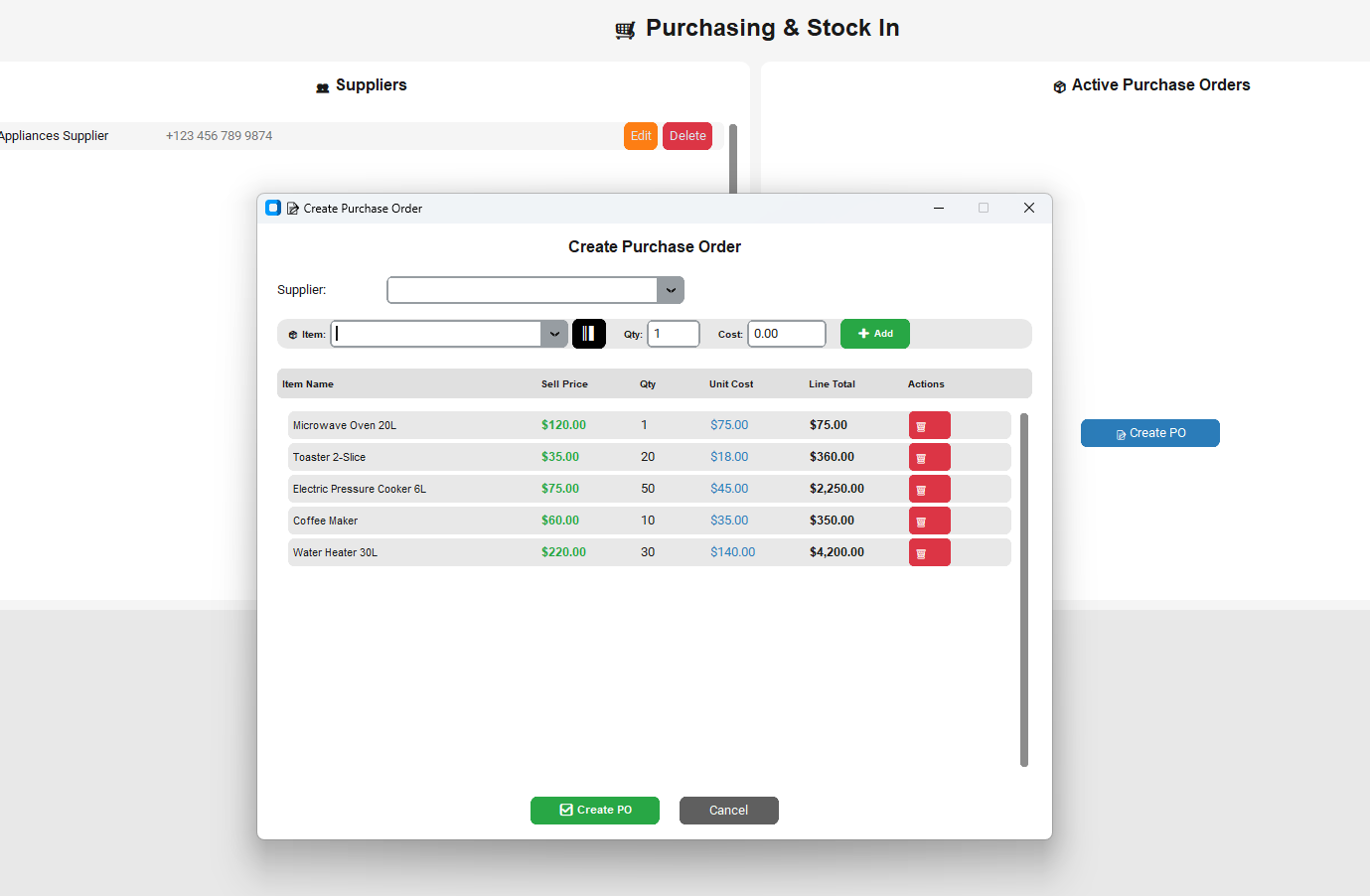
📝 Create PO opens a dialog built for speed:
- Pick the supplier (type-to-search).
- Add items by dropdown or the ║▌ scan button — scanning a product barcode selects it instantly.
- Quantity defaults to 1; cost auto-fills from the buying price, and the line shows the selling price beside it so you can see the margin you are buying.
- Line totals compute as you add; remove lines with the 🗑️ button.
- ✅ Create PO issues the order with its own PO number.
Because costs come from the catalog, your POs and your valuation speak the same language.
Receive Stock — the Moment Truth Updates #
When the delivery arrives, tick the PO's checkbox and press 📥 Receive Stock. Three things happen at once:
- Quantities increase by the received amounts.
- Weighted Average Cost recalculates from the new purchase price and existing stock.
- PURCHASE movements land in the Inventory audit trail with the PO reference, unit cost and performer.
Partial deliveries are first-class: each PO line shows ordered vs received, and receiving again tops up the remainder. You never have to pretend a half-delivery was complete.
Read the Purchase History #
The Inventory tab filtered to PURCHASE is your buying history: date, product, quantity, unit cost, PO reference, notes. Cross-check it against supplier invoices and price creep becomes visible — the same item at $10.00 in March and $12.50 in June is a conversation, not a surprise. Reports → Export All includes dedicated Purchase Orders and Suppliers sheets for your accountant.
Handle the Exceptions Cleanly #
- Delivery without a PO? Use ⚙️ Adjust Stock → 📥 PURCHASE with the unit cost and a reference, so the cost basis still lands.
- Returned to supplier? Record the removal with a reason and reference; keep the trail honest.
- Wrong cost on a receipt? Post a CORRECTION with the right figure rather than editing history.
A Weekly Buying Routine #
- Read the Low Stock panel and the slow-mover list.
- Create one PO per supplier covering everything flagged.
- Receive deliveries the day they arrive — never "later".
- Filter PURCHASE movements and skim unit costs for drift.
- Export the PO sheet at month end for the books.
Why This Beats a Notebook and a Drawer #
A notebook holds orders but not costs; a drawer holds invoices but not quantities. The PO-to-receiving flow binds all three — order, cost, quantity — into one auditable chain, and updates your shelf and your valuation in the same click.
The Bottom Line #
Purchasing is where profit is bought. Keep supplier records current, order through POs, receive the day goods arrive, and let WAC do the math. The free trial of LedgerBizz Inventory includes the full purchasing module on licensed plans — run one real delivery through it and feel the difference.