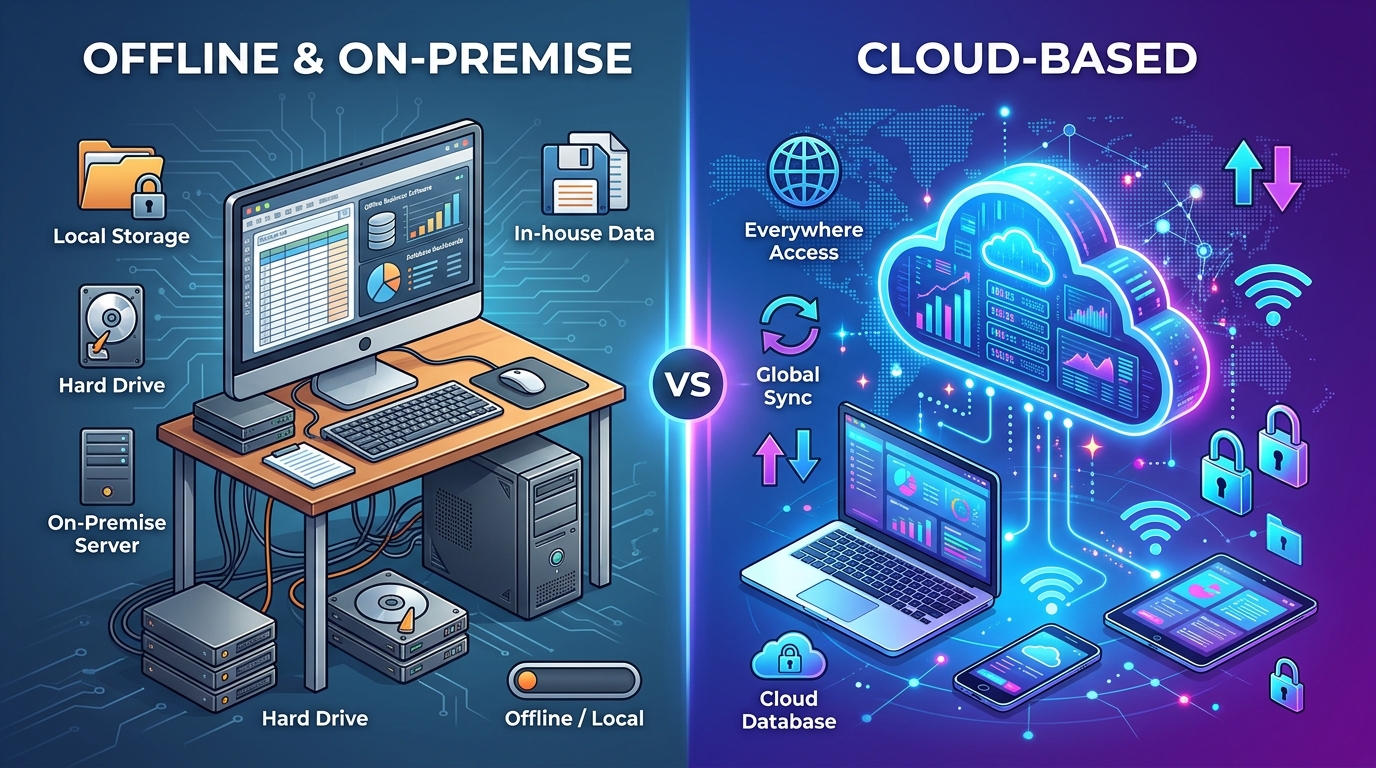
The internet goes down. A cloud login fails. A subscription price doubles overnight. If any of these has ever stopped you from sending an invoice, you already understand why offline invoicing software is having a quiet comeback.
For a small business, billing is not a nice-to-have — it is the moment work turns into money. The tool that handles it should be as dependable as your calculator, not as fragile as a website. This guide walks through what offline invoicing software actually is, how to evaluate it honestly, and where LedgerBizz Standard fits in the picture — right down to the buttons you will click.
Why Offline Invoicing Still Wins in 2027 #
Your work never stops for the internet #
An offline desktop application runs entirely on your computer. In LedgerBizz Standard, your customer list, your items, and your document history live in a local, encrypted database. Power outage at the ISP? Router reboot? Data bundle finished? You keep billing. The only times the program touches the internet are initial license activation and sending email through your own SMTP account. Everything else — creating documents, calculating totals, generating PDFs, printing — works on a plane or in a basement office.
Your data stays yours #
Cloud invoicing means your financial records live on someone else's server, under someone else's terms. Offline software flips that: the database sits on your machine, and backups are AES-256 encrypted files you hold. No third party mines your customer list, and no policy change can lock you out of your own history.
Desktop speed is a feature #
A native app opens instantly and searches locally. Every list in LedgerBizz — clients, items, documents — has its own search box that filters as you type, with pages of 50 records so even years of history stay responsive. PDF generation happens on your machine, with no round trip to a server.
One price, not a forever bill #
Most cloud tools charge per month, per user, forever. LedgerBizz Standard starts at $19 for a full year and offers a $120 lifetime license covering 3 computers, with free updates — you install the new version over the old one and your data stays intact.
What Great Offline Invoicing Software Must Do #
Use this checklist when comparing any desktop billing tool — and note where each item lives in LedgerBizz Standard:
- Full document suite — the Type dropdown in the Documents tab creates Invoices, Receipts, Quotations, Delivery Notes, LPOs, Proforma Invoices, Credit Notes, and Debit Notes; a Generate Letterhead button adds the ninth document type.
- Automatic numbering and branding — every saved document gets its own number, and Settings → Branding applies your logo, stamp, and signature to PDFs, each with its own show/hide toggle.
- Payment tracking — Unpaid, Partial, and Paid states at creation, plus a dedicated Record Payment dialog with methods, transaction references, and a live remaining-balance panel.
- Automatic tax math — a Tax % field computes subtotals, tax, and grand totals live; discounts can be Fixed /= or % Percent, validated so a document total can never go negative.
- Encrypted backups you control — scheduled AES-256 backups, a 🔑 View Passwords vault, and a guided restore.
- Excel import and export — bulk-import clients and items on day one; export records whenever you want (a licensed feature).
- Email when you want it — Settings → Email Configuration with a Test & Save button, then a 📧 button on every saved document.
- Honest licensing — if a license lapses, the software reverts to trial mode: you can still view every record, run reports, and export your data.
If a tool fails two or more of these, keep looking.
Offline vs. Cloud vs. Spreadsheets #
| Criteria | Offline desktop | Cloud subscription | Spreadsheets |
|---|---|---|---|
| Works without internet | Yes | No | Yes |
| Automatic numbering & totals | Yes | Yes | Manual formulas |
| Professional branded PDFs | Yes, built in | Yes | Export hacks |
| Payment & balance tracking | Yes | Yes | Fragile |
| Data ownership | Full, local | Vendor-hosted | Full, but unstructured |
| Typical cost | $19–$120 once or yearly | $10–$40 every month | "Free" + your hours |
| Encrypted backups | Yes, you hold them | Vendor-dependent | Copy-paste prayer |
Spreadsheets deserve a special warning: they feel free, but every invoice retyped into a template, every broken formula, and every lost file is a cost. A dedicated program pays for itself the first time it stops you from under-billing a client.
Where LedgerBizz Standard Fits #
LedgerBizz Standard is offline business document and office management software — deliberately not a bloated accounting suite. Beyond the documents themselves:
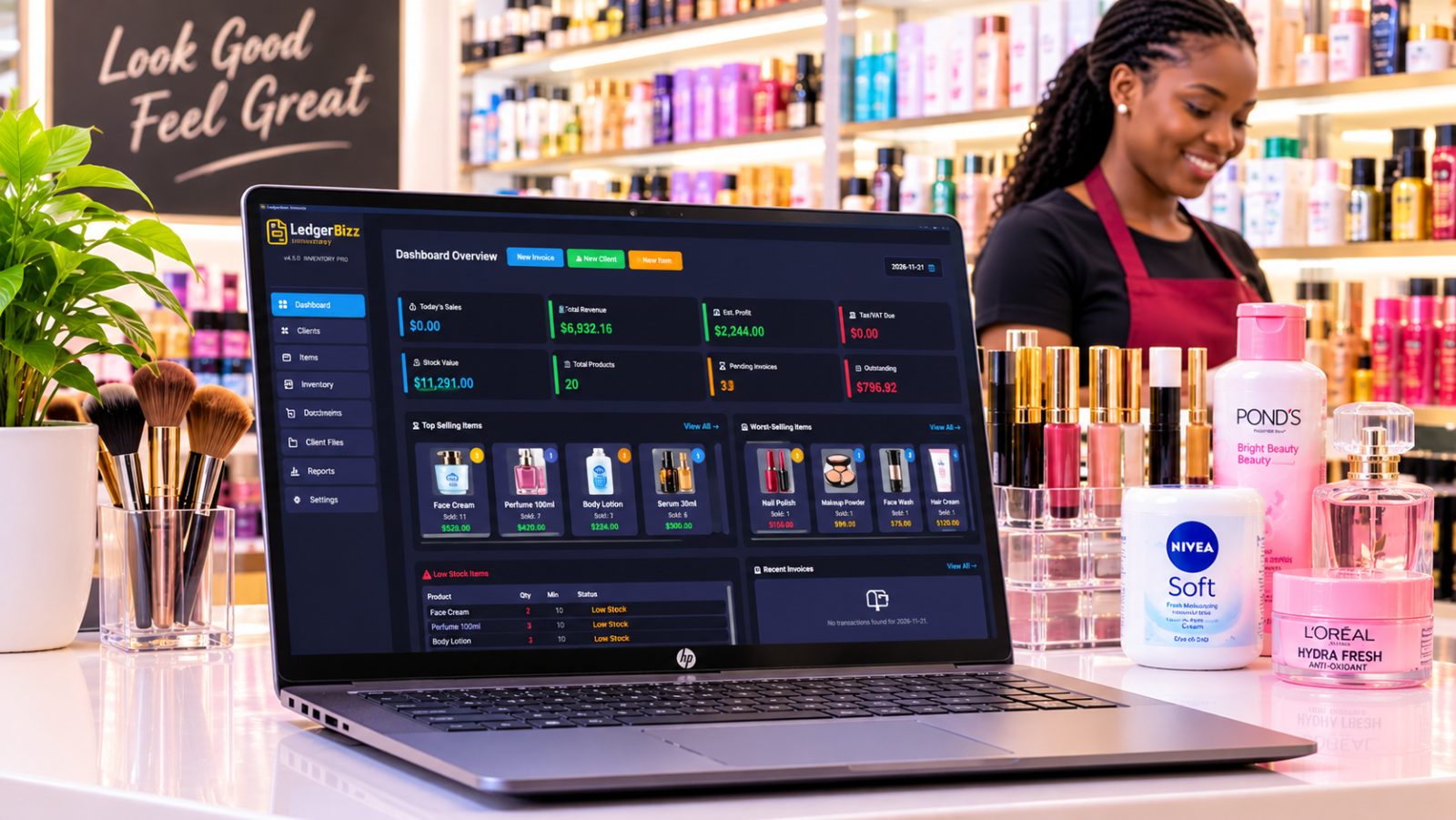
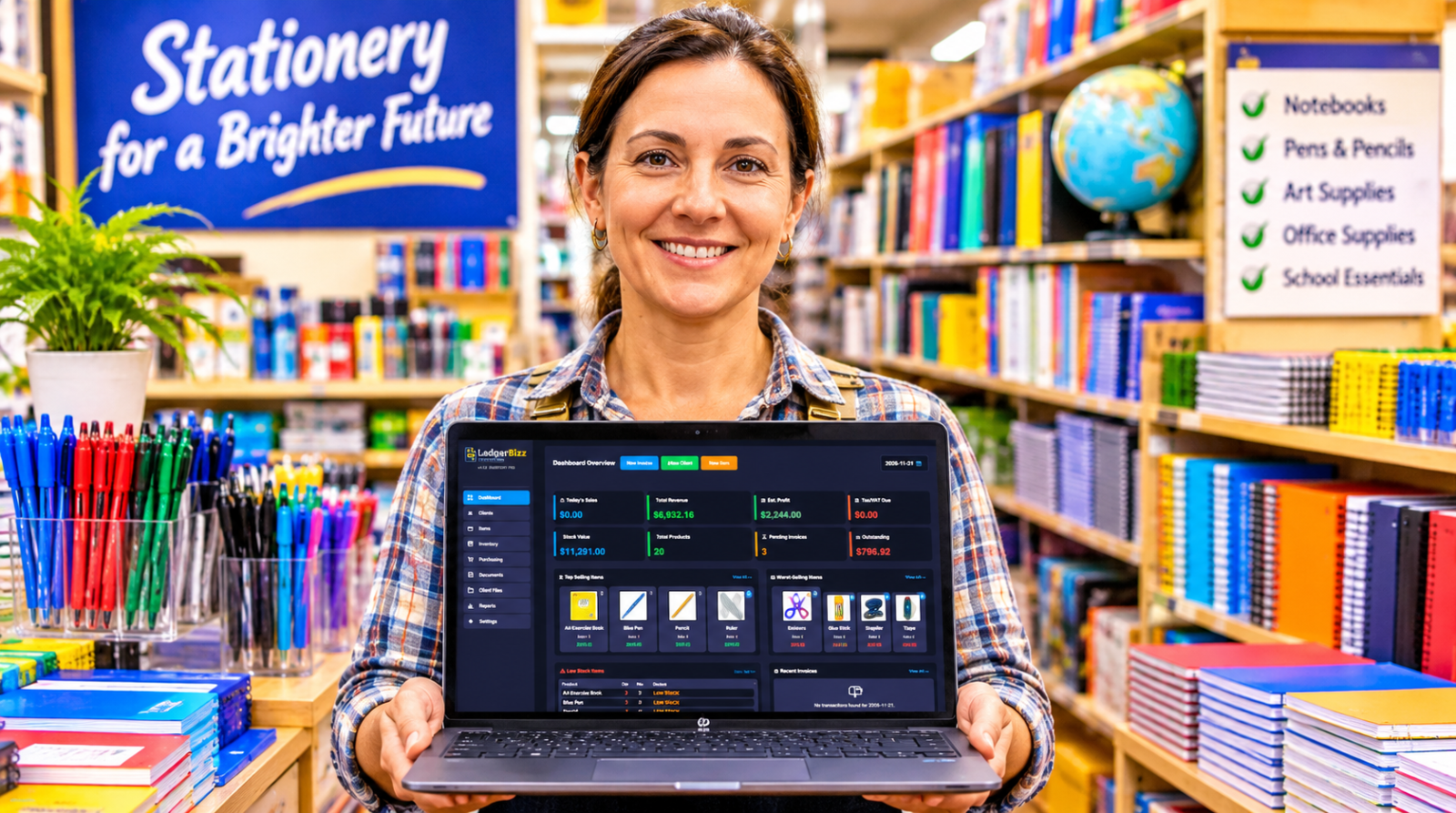
- The Dashboard opens with four cards — Today's Sales, Total Revenue, Tax/VAT Due, and Pending Invoices — plus a date picker to inspect any day, Top Selling and Worst Selling item cards, and a Recent Transactions list. Quick actions (New Invoice, New Client, New Item) sit right in the header.
- Linked workflows mean a quotation becomes an invoice and an invoice becomes linked receipts without retyping: pick the source in the 🔗 Link dropdown and press 📥 Load.
- The Reports tab adds a date-range filter, a monthly sales chart, a payment-status chart, Top 10 Customers, Service Performance, an oldest-first Outstanding Invoices list, and an Email History with one-click resend.
- Smart backups run on your schedule. Files under 20MB are emailed to you as AES-256 encrypted attachments with their decryption password; larger ones trigger a secure notification reminding you to store the local file safely. Every password is kept in the in-app vault.
- Storage Optimization compresses all item photos to ≤100KB in one click — and new photos are compressed automatically on upload — keeping your database, and your emailed backups, small.
Pricing is simple:
| Plan | Price | Term | Computers |
|---|---|---|---|
| Trial | Free | 10 days | 1 |
| Pro | $19 | 1 year | 1 |
| Enterprise | $39 | 2 years | 1 |
| Lifetime | $120 | One-time, updates included | 3 |
The trial is genuinely usable: full workflow for ten days, limited to 5 clients, 10 documents, and 10 items, with watermarked PDFs and 3 of the 10 templates. Excel import/export and backup features unlock with a license. No credit card required.
Set Up Your Offline Office in 15 Minutes #
- Install the Windows 10/11 (64-bit) build, then activate in the License Activation dialog — your Hardware ID is shown with a Copy button, and 🎁 Start Free Trial begins the ten days.
- Settings → Company Information: name, address, phone, email, and your currency symbol (it appears on every total in the app).
- Settings → Branding: upload logo, stamp, and signature; flip each Show toggle.
- Client Database → 📤 Import and Item Database → 📤 Import to bring your Excel lists in (licensed plans).
- Documents tab: create your first invoice and watch the totals calculate themselves.
- Settings → Email Configuration: enter SMTP details and press 📧 Test & Save — a styled test email confirms it works.
- Settings → Scheduled Local Backup: enable, pick Daily / Every 12 Hours / Weekly, a time, and retention. Confirm the first encrypted email arrives.
That is a complete paperless billing desk, before your coffee cools.
Quick Answers #
Does offline mean I cannot email invoices? #
No. Offline means the software does not depend on a server. When you are connected, the 📧 button sends your branded PDF with a professional HTML email — and custom templates support variables like {customer_name} and {total_amount}. If SMTP fails, the app offers to open your default email client with the message pre-filled instead.
What if my computer dies? #
That is what the encrypted backups are for. Install LedgerBizz on a new machine, use Restore Backup, and the password comes from the vault or your backup email. Clients, items, documents, and branding return — and the restore even fixes file paths for the new machine automatically.
Is it full accounting software? #
Honestly, no — and that is the point. It handles documents, clients, payments, and reports without the complexity, cloud dependency, and cost of a full accounting suite. If you need double-entry ledgers and payroll, pair it with your accountant's tool; if you need to bill professionally and get paid, it stands alone.
The Bottom Line #
The best offline invoicing software removes every excuse between you and getting paid: no internet excuses, no subscription excuses, no "I'll format it later" excuses. Start with the free 10-day trial of LedgerBizz Standard, run your real billing through it for a week, and let the results argue for themselves.