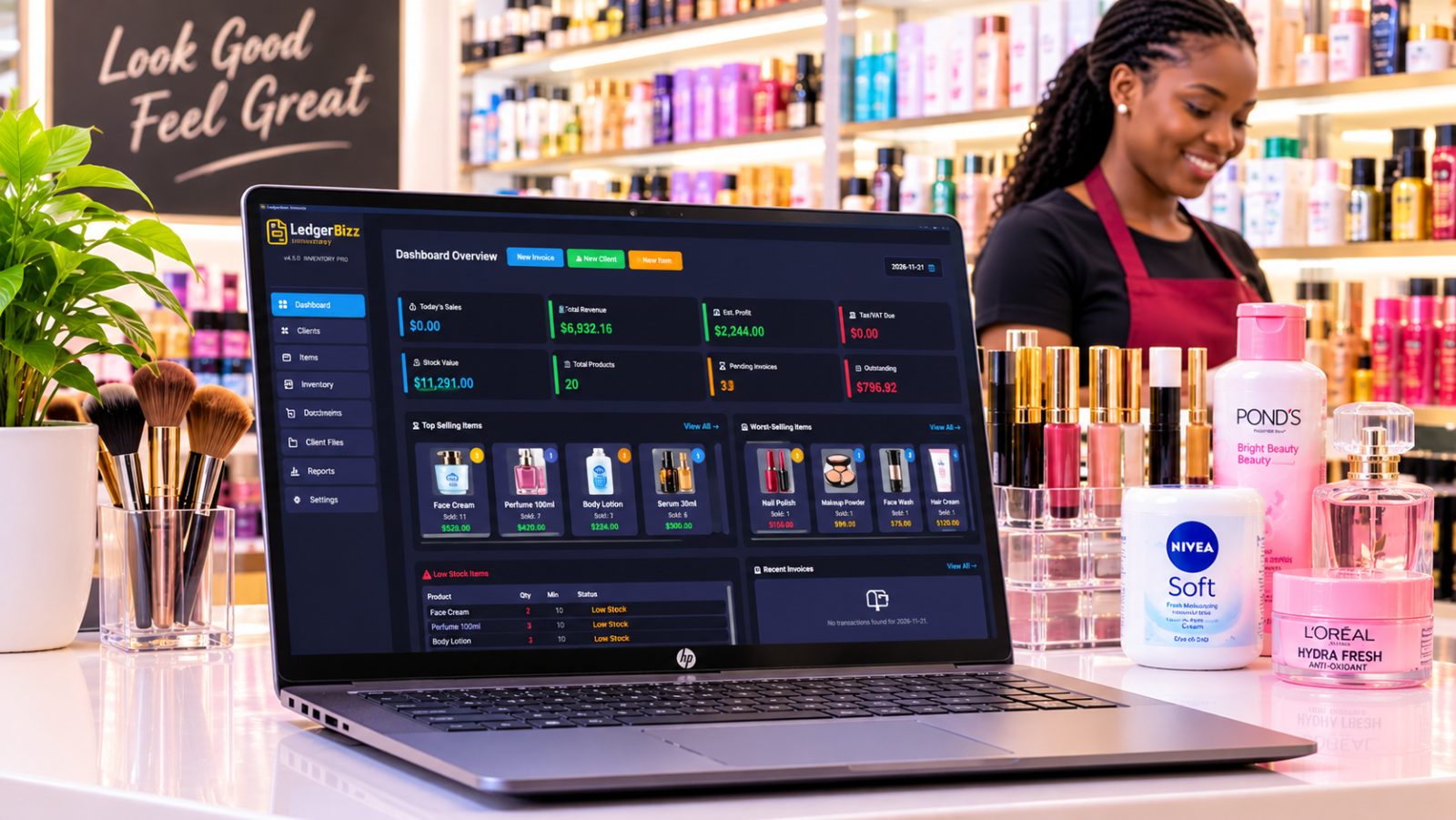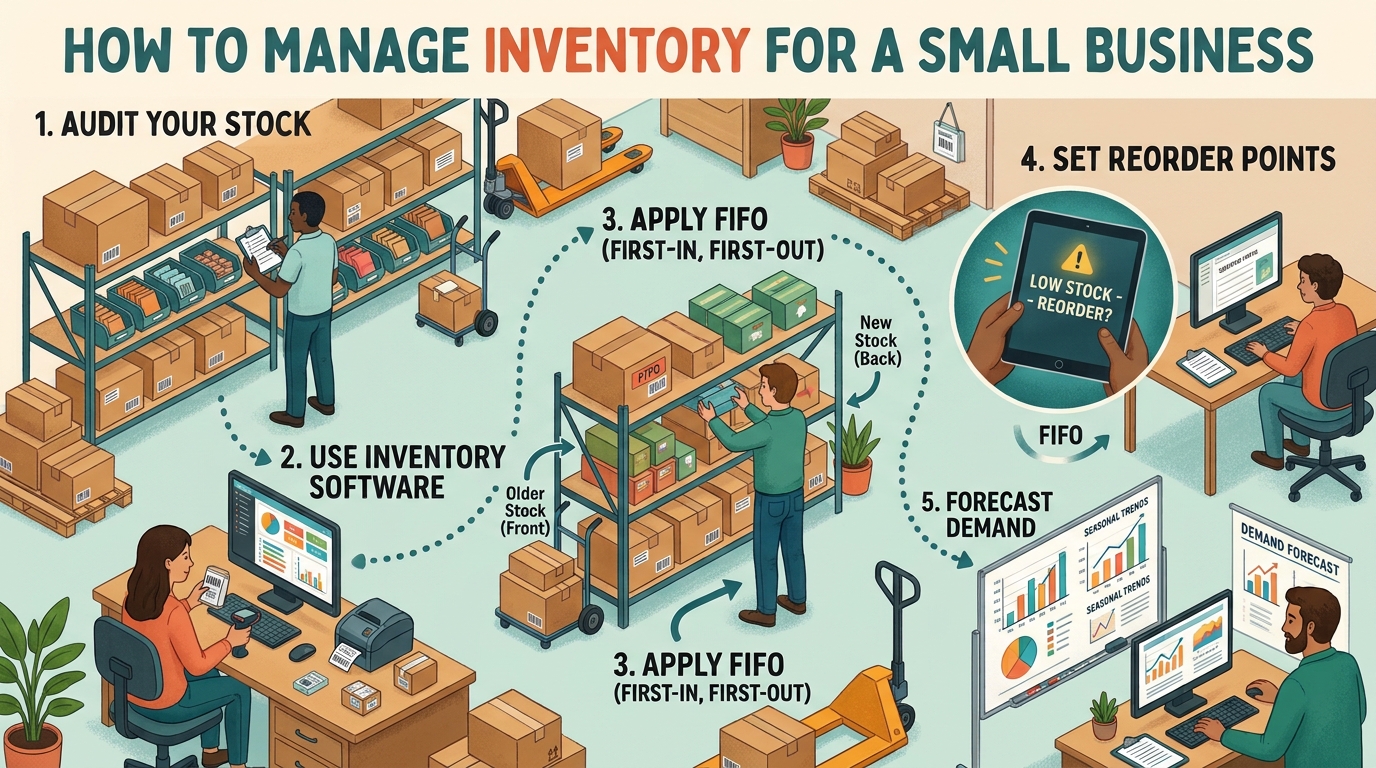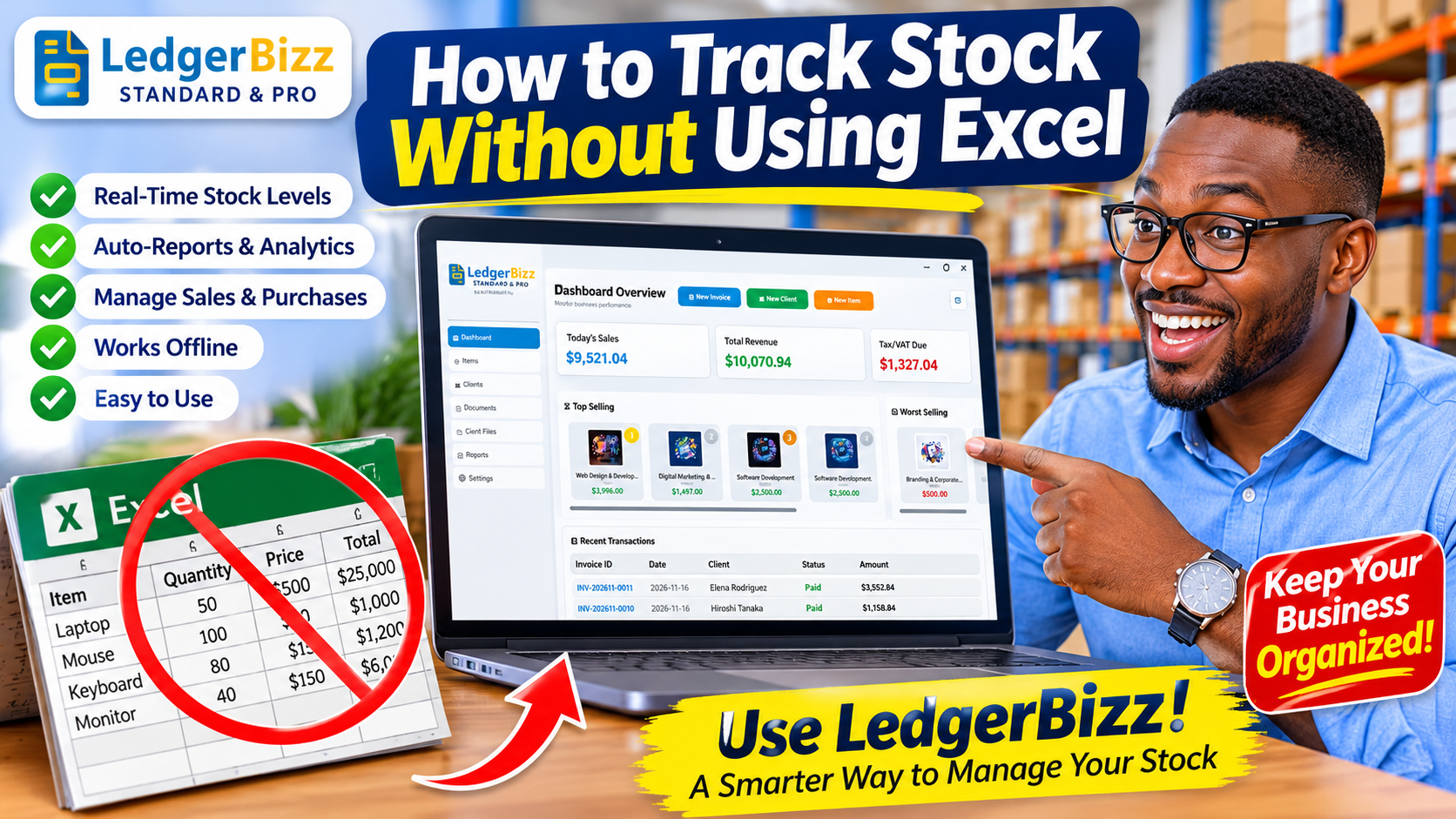
Every spreadsheet stock system fails the same way: someone forgets a row, a formula breaks, and the number on screen stops matching the number on the shelf. The problem is not Excel — it is the model. A spreadsheet asks you to maintain a balance. A movement ledger derives the balance from everything that happened.
That is exactly how LedgerBizz Inventory works, and it is why you can stop using Excel for stock without losing anything.
Two Tabs, Two Jobs #
- Items tab = the catalog. Names, descriptions, buying/selling prices, photos, barcodes, min-stock levels. The banner says it plainly: to adjust stock, use the Inventory tab.
- Inventory tab = the ledger. Every change to stock is a recorded movement, and the current quantity is always the sum of those movements.
Separating "what a product is" from "what happened to it" is the single biggest upgrade over a spreadsheet, where both live in the same editable cells.
Read the Audit Trail #
The Inventory tab shows every movement with these columns:
| Column | What it tells you |
|---|---|
| Date | When it happened |
| Product | Which item moved |
| Type | SALE, PURCHASE, ADJUSTMENT, RETURN, DAMAGE or CORRECTION |
| Qty | The change, signed (+/−) |
| Stock QTY | The running balance after that movement |
| Unit Cost | The cost basis of the movement |
| Reference | PO number, invoice, or reason code |
| Notes | The human explanation |
| Performed By | Who did it |
The Stock QTY column is the killer feature: it is computed backwards from today's known quantity through every movement, so you can see exactly what the shelf held at any point in history. No spreadsheet formula can survive that level of scrutiny.
Five Ways Stock Moves — and When to Use Each #
- SALE — written automatically when you save an invoice. You never type it.
- PURCHASE — written when you Receive Stock against a PO, or via Adjust Stock for ad-hoc deliveries.
- RETURN — customer returns go back on the shelf with a reference.
- DAMAGE — breakage and expiry leave the shelf; the app blocks any entry that would push stock negative.
- ADJUSTMENT / CORRECTION — set a target count after a stocktake or fix an error, with the difference recorded as the movement.
Because each type has its own logic, "why did stock change?" always has a one-line answer.
Find Anything in Seconds #
The filter row searches product, reference or notes, and the type dropdown narrows to any single movement type. Pages of 50 keep years of history instant. When you need the data outside the app — for an accountant or an audit — 📥 Export Log writes the filtered movements to Excel or CSV. Excel becomes a report format, not your system of record.
What You Gain Over Excel #
- No forgotten rows — sales and receipts write movements automatically.
- No broken formulas — balances are computed, not maintained.
- Accountability — every movement carries a reason, reference and performer.
- Oversell protection — invoicing checks live stock before saving.
- Valuation for free — Stock Value and Est. Profit come from the same ledger.
Make the Switch in One Afternoon #
- Import your catalog from Excel (Items → 📤 Import) — prices and min-stock come with it.
- Enter your current shelf counts as ADJUSTMENT movements, one per item, with reason "Opening count".
- From that moment, sell and receive through the app only.
- Keep Excel for exports, never for entry.
The Bottom Line #
You do not need a better spreadsheet; you need a ledger. The free trial of LedgerBizz Inventory gives you the full audit trail for ten days — import your catalog, post your opening counts, and let the running balance do the work Excel never could.