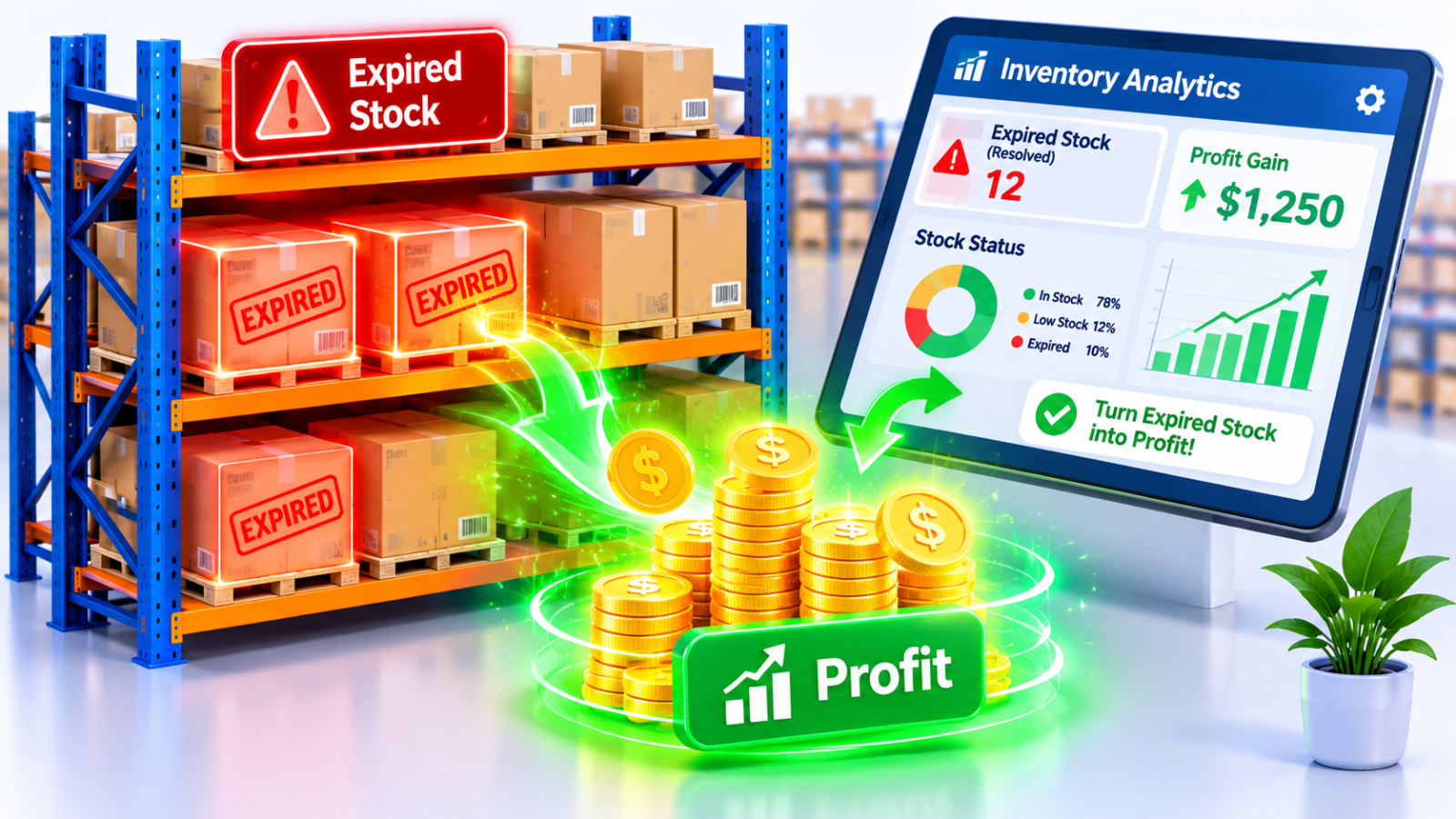
You wouldn't take $400 out of your cash drawer and drop it in the bin. But if you sell anything with a date printed on it — food, medicine, cosmetics, seeds, chemicals — you probably did exactly that last month. You just didn't see it happen, because the loss arrived quietly, one expired unit at a time, at the back of a shelf.
That's the uncomfortable truth about expiry losses: they don't show up as a dramatic event. They show up as a shrug during stock take. "Oh, these went off. Bin them." Multiply that shrug by fifty products a month, and you're not looking at petty waste anymore. You're looking at the hidden cost of expired inventory — one of the most under-measured, under-managed drains on retail and distribution profit.
Here's my promise for the next ten minutes: I'll show you what expired stock actually costs (it's more than the purchase price), where the money leaks out step by step, and the exact control system to stop it — including how a business like yours can run that system inside LedgerBizz Inventory, screenshots and all.
The Real Math: What Expired Stock Actually Costs You #
Most businesses count expired inventory at purchase cost. That's wrong. It's the floor, not the total. Every expired unit carries a stack of costs behind it:
| # | Cost Component | What You Actually Lose |
|---|---|---|
| 1 | Product cost | 100% of what you paid (or the full production cost) |
| 2 | Lost margin | The profit that unit would have earned — often 30–100% on top of cost |
| 3 | Tied-up capital | Cash that sat in dead stock instead of buying fast movers |
| 4 | Disposal cost | Labour, bags, and in regulated industries, paid hazardous-waste removal |
| 5 | Labour to find it | The hours spent discovering, pulling, counting, and writing it off |
| 6 | Customer trust | Selling a near-expiry or expired item costs you future sales |
| 7 | Compliance risk | In pharma and food, expiry failures can mean fines or lost licenses |
Let's put real numbers on it. Say a pharmacy carries 1,500 units of expiry-sensitive stock at an average cost of $4.00 each ($6,000 of value). If poor date control lets 4% expire each month, that's $240 in pure product cost gone — but each of those units would have sold for around $7.00, so the revenue opportunity destroyed is $420. Add disposal time and the cash that was frozen in those units for weeks, and the true monthly hit is comfortably two to three times the purchase cost.
Over a year, that same small pharmacy quietly loses $2,880 in cost alone — enough to cover a full month of an employee's salary. And that business is not careless. It simply lacked a system that sees the expiry date coming before it arrives.
NOTE: The most dangerous number in this table is #2, the lost margin. Your accounting system records the write-off at cost, so your P&L understates the damage. The real question is never "what did we pay for it?" It's "what did it cost us to buy it, store it, finance it, find it, and throw it away — and what would we have earned if we'd sold it in time?"
Why the Cost Stays Hidden (Until It Doesn't) #
Expiry losses are designed to be invisible. Three things work against you:
1. The stock looks healthy on paper. Your system says "Greek Yogurt: 30 units." What it doesn't say is that 12 of those units died on Tuesday. Until somebody physically looks, your inventory value is fiction.
2. Discovery always comes too late. By definition, expired stock is found after the value is gone. There is no recovery action at that point — only damage control. The only profitable moment to act was 2 to 4 weeks earlier, while the date was still approaching.
3. Nobody owns the number. Ask a typical shop, "What's your monthly expired-stock write-off?" and you'll get a blank stare. What isn't measured gets repeated, month after month.
This is why the problem compounds. A business that doesn't track expiry dates doesn't just lose stock — it loses the information that would have prevented next month's loss. Which products always expire? Which supplier ships short-dated stock? Which shelf gets no rotation? Without records, you can't see the pattern, so you keep funding it.
The UN Food and Agriculture Organization estimates roughly one-third of food produced for human consumption is lost or wasted globally. For a single store, you don't need global statistics — you need your own number. More on that in the final section.
The Industries Where Expiry Loss Hits Hardest #
The leak exists anywhere dates exist, but some businesses bleed more than others:
| Industry | Why It Hurts | Extra Pressure |
|---|---|---|
| Food & beverage | Short shelf life, high volume, thin margins | Health inspections, customer safety |
| Pharmacy & medical | Very high unit values (one expired insulin pen can cost more than a crate of bread) | Strict regulation; selling expired medicine is illegal in most jurisdictions |
| Cosmetics & personal care | Long-but-finite shelf life hides the risk | Batch recalls, brand reputation |
| Agro-vet & seeds | Seasonal stock that silently ages between seasons | Farmers lose trust fast after one bad batch |
| Chemicals & industrial | Expiry can mean the product becomes unsafe, not just unsellable | Hazardous disposal rules |
NOTE: If you sell in a regulated category — pharmacy especially — expiry control isn't an efficiency project. It's a legal obligation. The ability to prove when stock expired, which batches were sold to whom, and what was written off is exactly what inspectors and auditors ask for.
The 5-Stage Leak (And the Fix for Each Stage) #
Expired-stock losses follow a predictable pipeline. Find where yours leaks and you'll know where to patch:
Stage 1 — No dates recorded. Stock arrives, gets shelved, and nobody writes down the expiry. Fix: capture the date at the moment the item enters your system — at item creation or goods receiving. In LedgerBizz Inventory, the Add Item dialog has an optional Track Expiry Date switch with a calendar picker and a live status preview ("Critical — expires very soon (5d)") before you even save.
Stage 2 — No warning window. Dates exist, but nothing watches them. Fix: set alert thresholds. LedgerBizz uses two configurable windows — a Warning window (default: 30 days) and a Critical window (default: 7 days) — so you get a chance to act while action is still profitable.
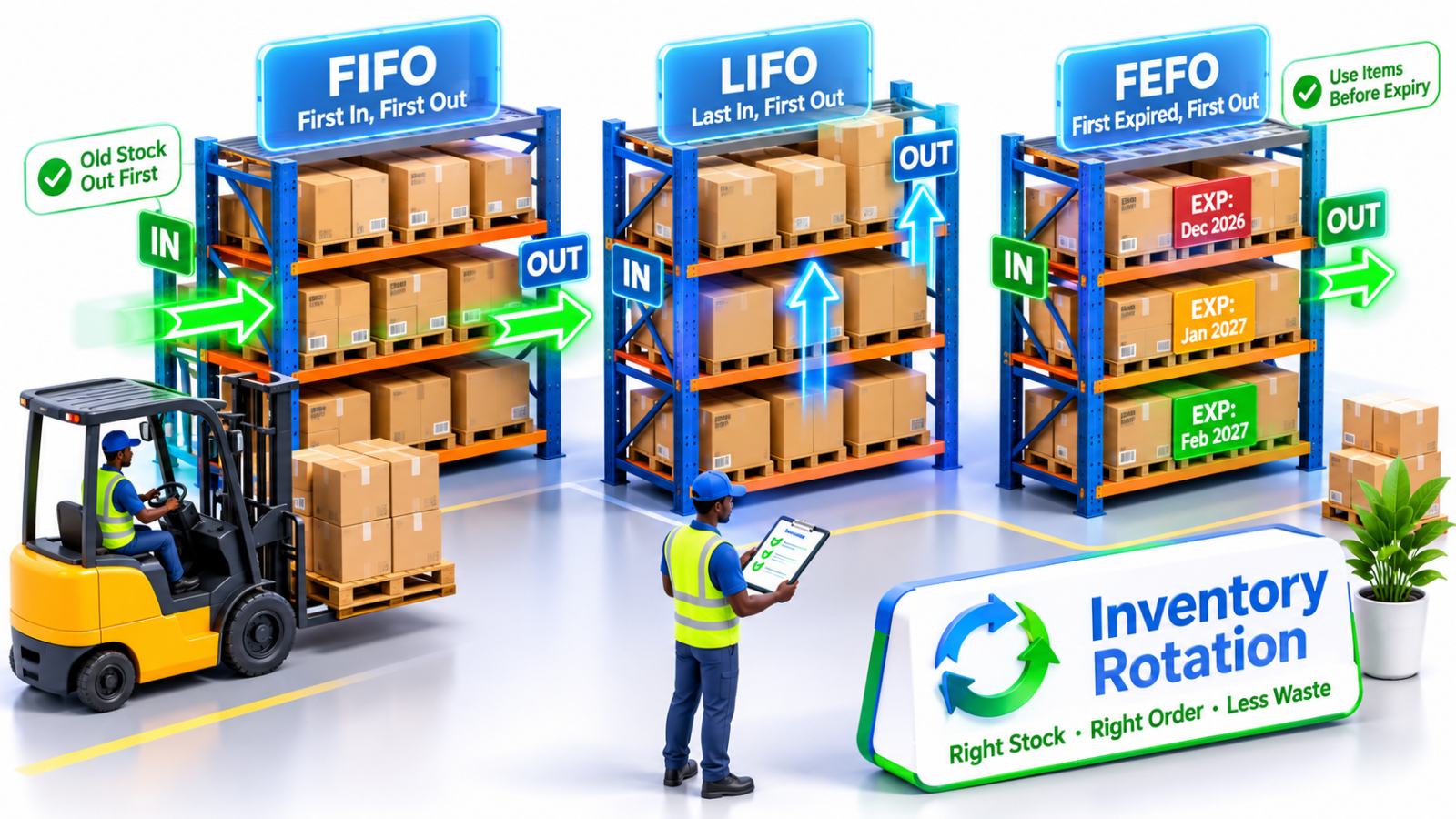
Stage 3 — No rotation. New stock goes in front, old stock gets buried. Fix: sell or use the soonest-expiring stock first. This is FEFO (First Expired, First Out), and it matters so much that LedgerBizz has it as a dedicated advanced feature — more on that below.
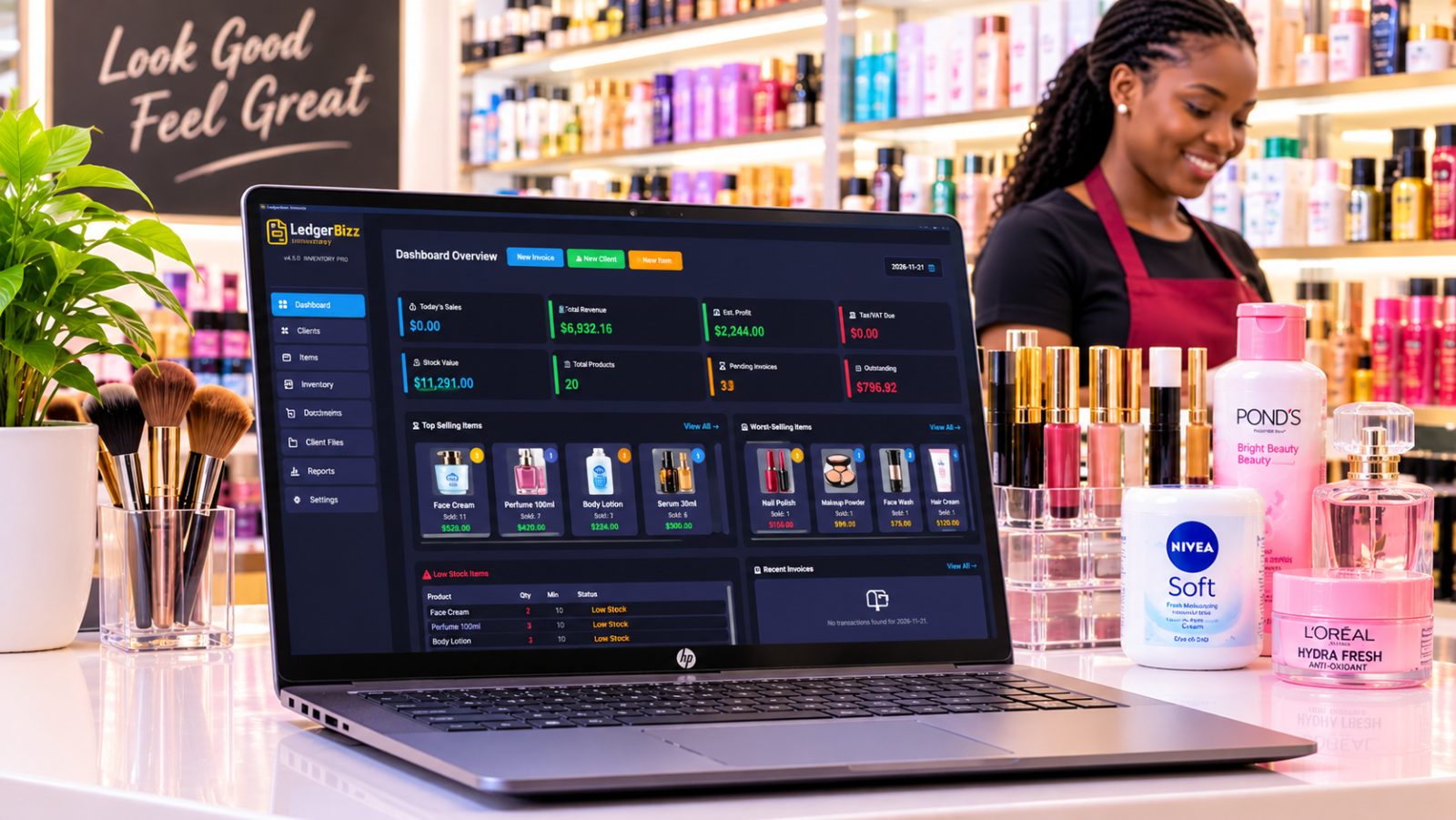
Stage 4 — Late discovery. Expired units are found by accident during a sale or a stock count. Fix: put expiry status where you look every day. The LedgerBizz Dashboard shows an Expiry Alerts panel with counts for Expired / Critical / Warning / No-date items, plus the total value at risk in your currency.
Stage 5 — Silent write-offs. Dead stock disappears into the bin with no record, so the loss never gets analysed. Fix: every disposal should be a logged DAMAGE/LOSS adjustment with a reason, keeping your stock value honest and giving you the data to spot repeat offenders.
How to Stop It: The Control System in LedgerBizz Inventory #
Here's the same pipeline, but running inside the software. Every step below is optional and switched on only when you need it — if your products don't expire, you never see any of it.
Step 1 — Turn on Expiry Tracking (Settings). Settings → Expiry Tracking gives you the master switch, the two alert windows, "Block selling expired items," and an optional startup summary that pops up once per session when expired or critical stock exists.
Step 2 — Record dates on the items that have them. Items → Add Item (or Edit). Toggle Track Expiry Date, pick the date, and the preview labels the item immediately: Expired, Critical, Warning, or Safe. Try to save a past date and you'll get an explicit "this will be flagged as EXPIRED" confirmation — useful when you're honestly recording stock that's already dead, for a proper write-off.
Step 3 — Watch it live. From that moment, three surfaces do the watching for you:
- Dashboard: the Expiry Alerts panel, sorted soonest-expiry-first, with each item's quantity, date, days left, and stock value.
- Items tab: every tracked item shows a colour-coded expiry badge (e.g. "✖ 5d ago" in red, "2026-12-05 (12d)" in amber), plus an Expiry filter to pull up just the Expired, Critical, or Warning items.
- Reports tab: the Expiry & Shelf-Life report with a status filter, an at-risk value summary, and one-click Excel export producing three sheets — Expiry Summary, Expiry By Status, and Expiry Detail.
Step 4 — Stop the bleeding at the till. With "Block selling expired items" enabled, an invoice containing expired stock is refused outright with a clear message pointing you to the write-off path. With it disabled, you get a warning instead — your choice, enforced consistently at the point of sale.
**Step 5 — For items with multiple expiry dates: Batch/Lot Tracking (FEFO).** Now, full transparency: the features above work per product — one expiry date per item. That's perfect for most small shops. But if you receive the same milk in three deliveries with three different expiry dates, a single date can't tell you which carton to sell first. That's a specialised need, and LedgerBizz answers it with the Batch / Lot Tracking + FEFO module (Settings → Batch/Lot Tracking, labelled "Advanced"):
- Each delivery creates a lot with its own date, quantity, and cost.
- Sales automatically consume the soonest-expiring sellable lots first (FEFO), with a warning listing the exact lots being sold.
- Salable stock is distinguished from total stock: expired lots (when blocking is on) and quarantined returns can't be sold, even though they're physically present.
- Expired lots get written off lot-by-lot via Inventory → Adjust Stock, with a full movement log behind every change.
It's more machinery than a stationery shop needs and exactly what a pharmacy distributor can't live without — which is why it ships as a separate switch rather than a forced workflow.
When You Find Expired Stock: Write It Off Properly #
Prevention fails sometimes; your response still matters. The correct sequence:
- Don't sell it. Keep the block on. One sick customer costs more than a hundred written-off units.
- Record the write-off formally. Inventory → Adjust Stock → DAMAGE/LOSS, target the expired quantity (or the expired lot, if you're batch tracking), and write a reason. This removes the dead value from your stock totals and leaves an audit line your accountant and any inspector can see.
- Analyse the corpse. Was it over-ordered? Short-dated on arrival? Shelved behind newer stock? The write-off reason and your expiry report turn each loss into a lesson.
- Act earlier next cycle. The Warning window exists so you can markdown, bundle, or return-to-supplier before Stage 5 becomes inevitable. A yogurt at 40% off is revenue; a yogurt at 0 days is disposal.
NOTE: Donation of near-expiry food is a real option in some regions, but the rules differ sharply by country and by product type — and donating expired goods is generally prohibited. Check your local regulations before building it into your process. LedgerBizz records the movement and stops the sale either way.
Build Your Baseline: Measure It, Then Beat It #
You can't shrink a number you don't have. Here's a simple baseline you can set up this week:
Your expired-stock loss rate:
Loss rate (%) = Value of expired write-offs this month
÷ Value of expiry-sensitive stock you hold| KPI | Where it comes from | A healthy target |
|---|---|---|
| Expired write-off value / month | Inventory log (DAMAGE filter) or Expiry Detail export | < 1% of perishable stock value |
| Items in "Critical" right now | Dashboard expiry panel | Trending to zero |
| Units expired before sale | Expiry report, "Expired" status | Declining month over month |
| Days of warning before expiry | Your Settings windows | ≥ 30 for fast movers, ≥ 90 for slow ones |
Then run a light routine:
- Weekly (10 minutes): open the Dashboard expiry panel, act on every Critical item — markdown, move to the front, or return to supplier.
- Monthly (30 minutes): export the Expiry report, compare write-off value to last month, and adjust your ordering for the repeat offenders.
- Quarterly: review your warning windows. If your milk still dies inside the 7-day critical window, your problem isn't the window — it's the order quantity.
Within two or three cycles, most businesses discover their losses aren't spread evenly: three or four products or one supplier cause the majority of the damage. That's the hidden benefit of measuring — the fix usually turns out to be smaller and cheaper than you feared.
Stop Funding the Bin #
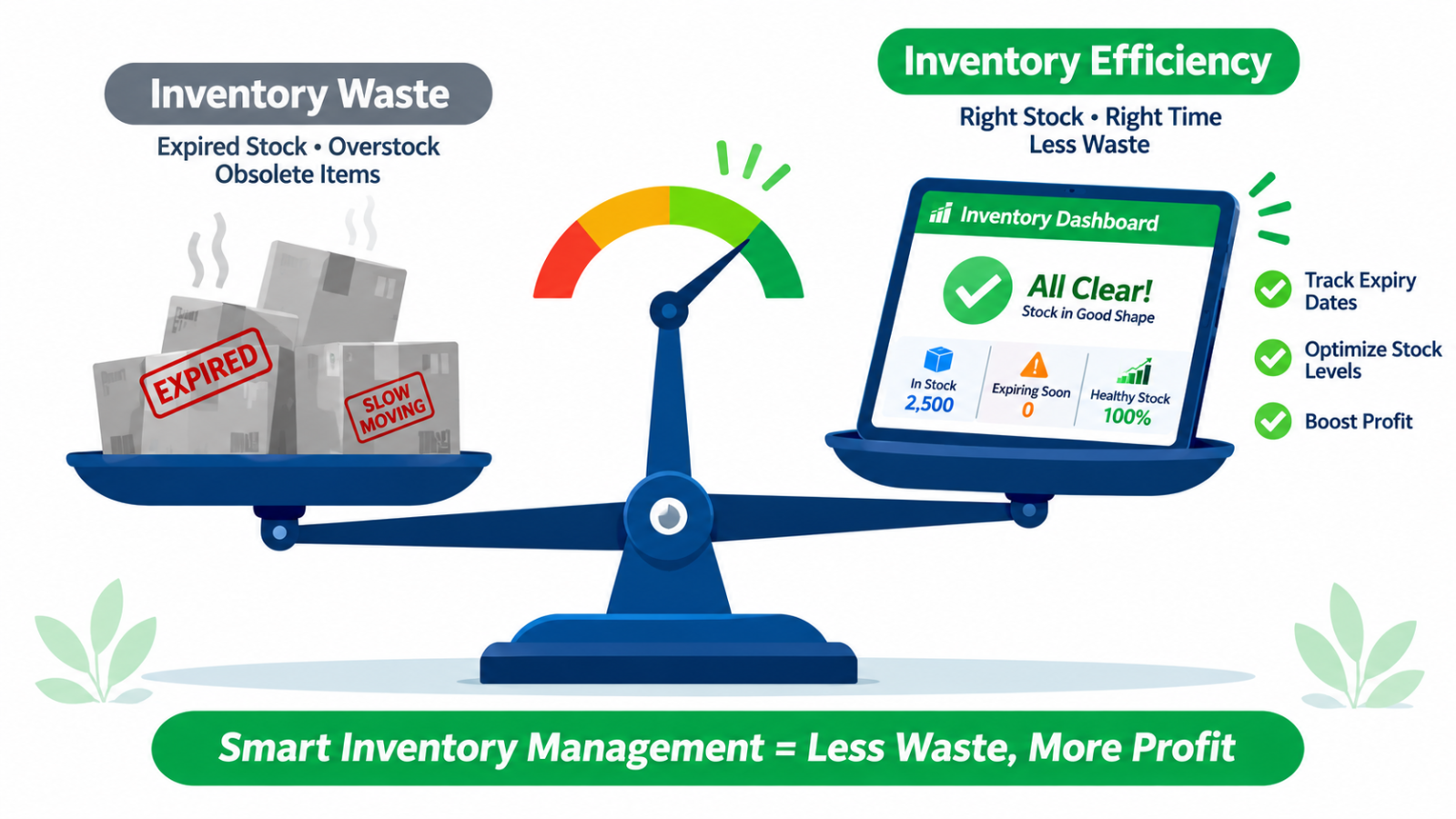
The hidden cost of expired inventory isn't mysterious. It's purchase cost + lost margin + disposal + labour + trust, multiplied by every date that passes unnoticed. The businesses that beat it aren't more careful people — they just run a system where every expiry date is recorded the day stock arrives, watched by alert windows, surfaced on a dashboard every morning, blocked at the till, and written off with a reason when it finally dies.
LedgerBizz Inventory gives you that whole chain — from the simple per-product expiry switch all the way to FEFO batch tracking — and every piece of it is optional, so non-perishable businesses never pay the complexity tax. Switch on Expiry Tracking, run one month with the weekly ten-minute check, and compare your write-off number to the month before.
One last piece of advice before you change any settings: take a secure encrypted backup first (Settings → Backup & Restore). Then find your first $400 — and stop throwing it away.