A product business ships things; a service business ships promises. The consultant, the contractor, the repair company, the agency — what they sell is invisible until a document makes it visible, billable, and defensible. That is why service companies live and die by their paperwork: when a client disputes scope, timing, or price, the document trail is the only witness you have.
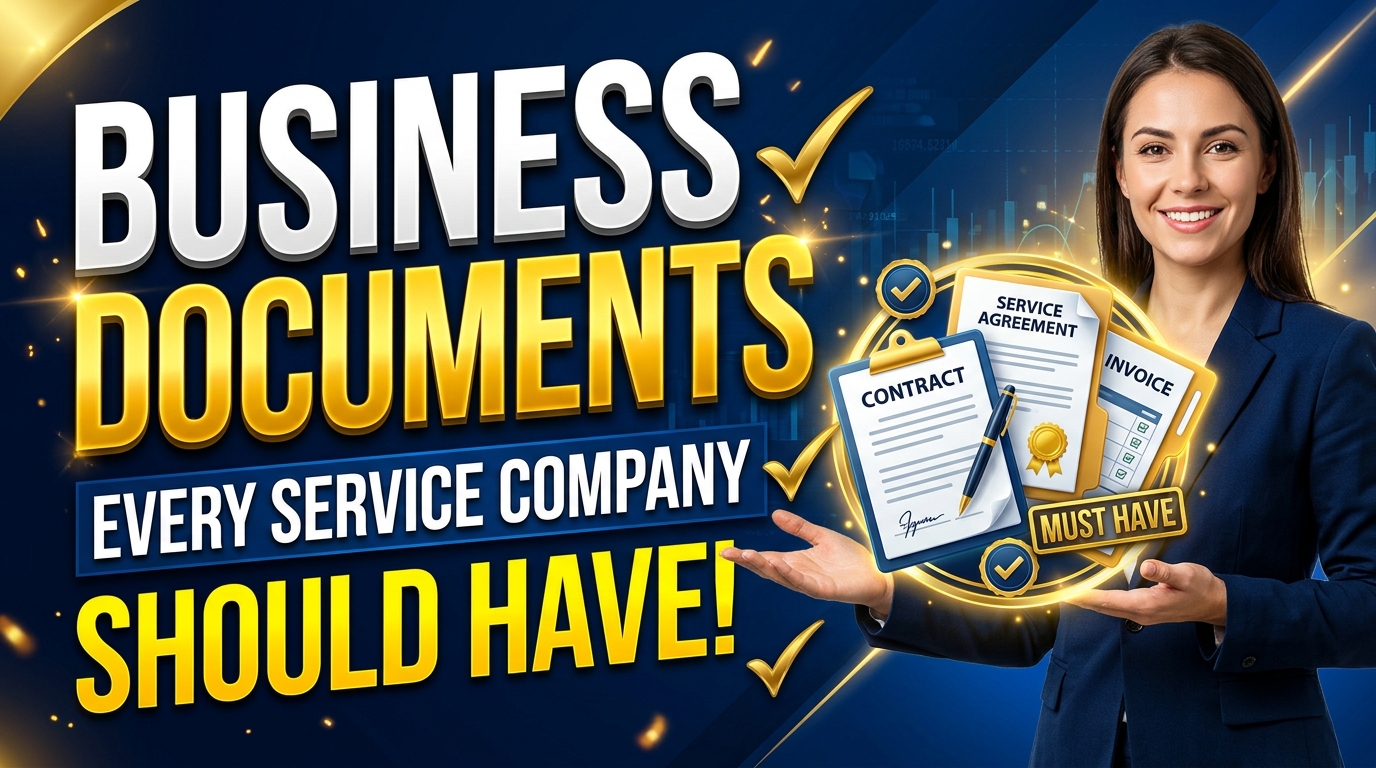
Here are the nine documents every service company should have, organized by the moment they matter — with the exact place each one lives in LedgerBizz Standard.
Before the Work Begins #
Quotation — the scope anchor #
Type → Quotation. Itemized scope, prices, tax, and your terms (printed from Settings → Payment Information). A signed or emailed approval of a detailed quotation settles most "that was not included" arguments before they start. When the client approves, convert it with the 🔗 Link dropdown and 📥 Load so the bill matches the promise exactly — the full method is in our quotation-to-invoice guide.
Proforma invoice — when money must move first #
Type → Proforma Invoice. Mobilization fees, advance deposits, retainers: service work often needs money before the first hour is billed. A proforma gives the client's accounts department a formal figure to pay against — and in LedgerBizz, a Receipt can link directly to a Proforma, so the deposit is recorded against the right document from day one.
LPO — when you buy or subcontract #
Type → LPO. Service companies are also buyers: materials, equipment hire, subcontractors. Issuing a Local Purchase Order fixes what you ordered, at what price, before delivery. And here is the workflow detail most guides get wrong: in LedgerBizz, an Invoice can link straight to an LPO — pick it in the Link dropdown and Load, and the ordered lines become the billed lines with no retyping. When your client issues you an LPO, keep their number in the document notes as a cross-reference.
While the Work Happens #
Delivery note — proof the service happened #
Type → Delivery Note, linked to an Invoice or Quotation. For a service company, this is your work-completion record: what was done, against which agreement, with signature capture on delivery. A signed, dated completion note is the single most powerful document in a service dispute — it converts "they never finished" from an argument into a settled fact. It saves as Completed (it is evidence, not a bill), and the invoice it references carries the money side.
When It Is Time to Get Paid #
Invoice — the demand #
Type → Invoice. Numbered, itemized, taxed, branded, with your payment details and terms on the PDF. Everything about a professional invoice is covered in our dedicated guide; the short version is that accounts departments pay clean documents and delay messy ones.
Receipt — every payment, every reference #
Type → Receipt, linked to the invoice (or proforma). Load pre-fills the payment details and the outstanding balance; you record the method — Cash, M-Pesa, Bank Transfer, Cheque, Credit Card — and the transaction reference. Receipts always save as Completed: they are proof, not running balances. The invoice's own balance updates through the 🪙 Record Payment flow, and the full history is visible in its ✏️ Edit dialog. The system for this is in managing payments and outstanding balances.
When Things Change #
Credit note — goodwill without chaos #
Type → Credit Note, linked to the original invoice. You agreed to shave disputed hours, or a scheduled visit was cancelled. Load pulls the invoice's figures so the reduction references the same numbers; note the agreed adjustment in the Notes field. Never delete the original invoice — the note keeps the audit trail intact.
Debit note — scope creep, documented #
Type → Debit Note, same linking. The client asked for extra work mid-project and you said yes. The debit note records the approved extra charge against the existing invoice, with its own number. Scope creep is only a problem when it is undocumented; written down and approved, it is simply revenue.
Every Formal Conversation #
Letterhead — the voice of the company #
The Generate Letterhead button in the Documents tab opens the Professional Letter Generator: recipient selection, headers and footers, optional watermark, and a formatting toolbar with headings, lists, and alignment. Payment demands, contract cover letters, tender submissions, formal responses to complaints — these deserve letterhead, not a bare email. We cover the craft in generating professional business letterheads.
The Dispute-Proof Table #
Keep this mapping in mind; it is the whole argument for a document suite:
| The client says | The document that settles it |
|---|---|
| That was not in the price | Approved quotation + invoice loaded from it |
| The work was never finished | Signed, dated delivery note linked to the invoice |
| We already paid | Receipts + the invoice's Payment History with references |
| You changed the price | Credit / debit note trail against the original |
| Who authorized this purchase? | The LPO — and the invoice loaded from it |
| This is not your official position | The letter from the Letter Generator, stamped and signed |
And the evidence locker: Client Documents #
Signed contracts, permits, completion photos, the client's own purchase order — the Client Documents tab stores them per customer with descriptions, searchable by filename, description, or type. The 🔍 Check Files button audits the library and flags anything missing on disk, with re-upload to fix it. Documents you create and documents you receive, together in one place: that is a complete evidence trail.
One Numbering Scheme, One Database #
Nine document types without a system is nine piles of paper with new fonts. The system is simple:
- Numbers are issued automatically, prefixed by type —
QUO-202611-…for quotations, with their own sequences for invoices, receipts, and the rest. Never reuse one; correct with notes, not deletions. - One client database feeds everything. Details are typed once, imported from Excel if you already have them, and reused on every document forever.
- Link documents instead of retyping them. The app's actual link map: Invoice ← Quotation or LPO; Receipt ← Invoice or Proforma; Delivery Note ← Invoice or Quotation; Credit/Debit Note ← Invoice. The chain is the filing system.
Your First-Week Checklist #
- Install and add your company identity — Settings → Company Information and Branding.
- Import clients and standard services from Excel (📤 Import).
- Create one of each document type so you have seen them all — including a letter.
- Configure SMTP (📧 Test & Save) so PDFs email directly to clients.
- Enable Scheduled Local Backup and confirm the first encrypted email arrives.
- Issue your next real quotation digitally — and let the chain begin.
The Bottom Line #
Service companies do not have a paperwork problem; they have an evidence problem. Every document above is evidence — of scope, of completion, of payment, of change. Produce all nine from one program, linked and numbered, and disputes shrink to lookups. Start with the free 10-day trial of LedgerBizz Standard and issue your next document as if the disagreement is already coming — because one day, one will.