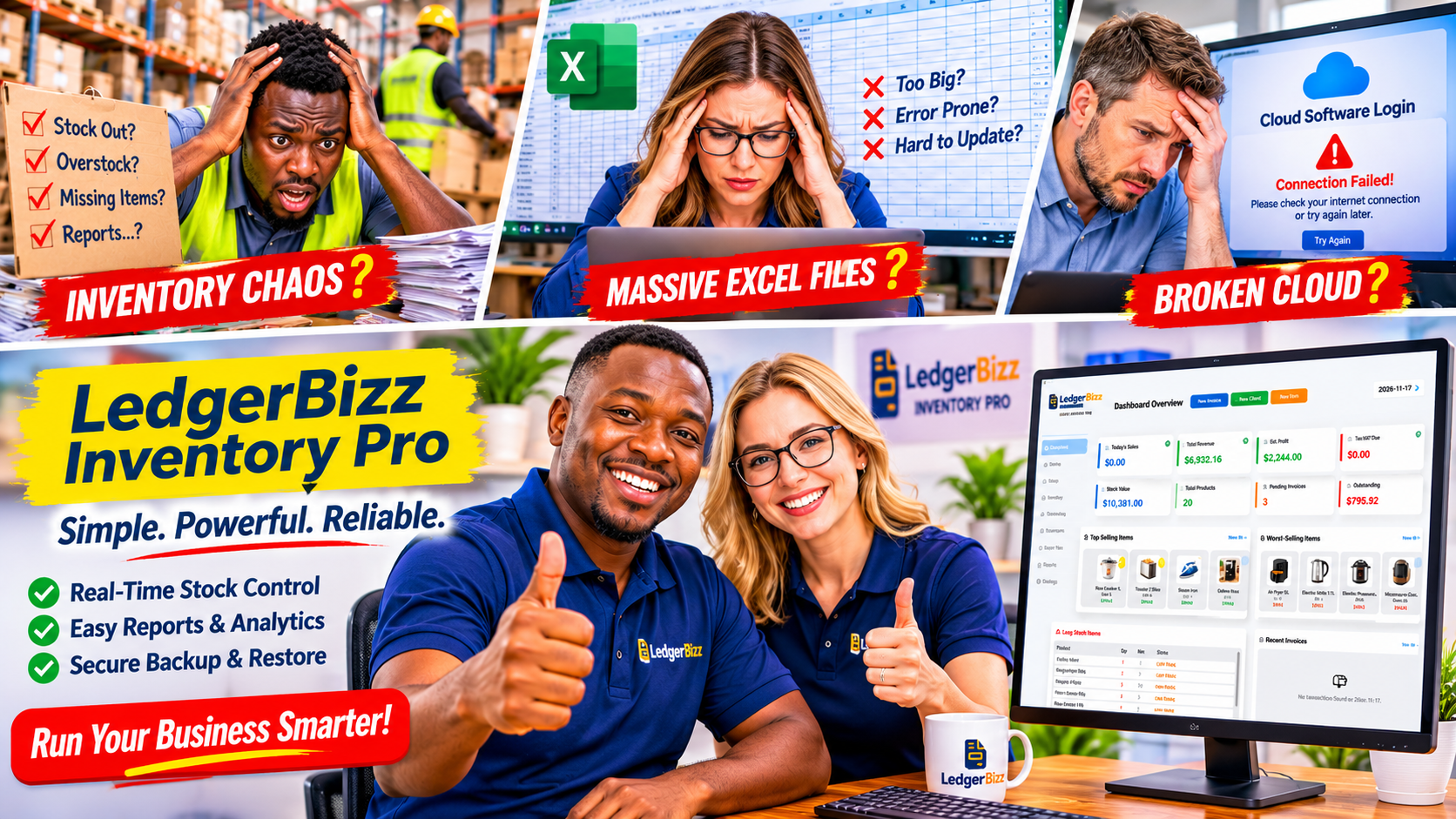
The internet goes down mid-sale. A cloud login fails. A subscription price doubles overnight. If any of these has ever stopped you from checking stock or ringing up a customer, you already understand why offline inventory management software is having a quiet comeback.
For a shop or warehouse, stock control is not a nice-to-have — it is the difference between a sale and a stockout. The tool that handles it should be as dependable as your till, not as fragile as a website. This guide walks through what to look for, using LedgerBizz Inventory as the concrete example.
Imagine serving a customer, trying to generate an invoice, or checking the quantity of an item in your store, only to discover that your internet connection is unavailable.
For businesses that depend on reliable stock records, these interruptions can lead to delayed sales, unhappy customers, incorrect inventory figures, and lost opportunities.
This is one reason many business owners are considering offline inventory management software. Unlike cloud-based systems that depend on an internet connection for everyday operations, offline inventory programs allow businesses to manage products, monitor stock movements, process sales, and generate reports directly from their computers.
But choosing the right software involves more than finding a program that works without internet access. You also need reliable stock tracking, purchase management, barcode support, inventory valuation, reporting, and secure backups.
In this guide, we explore what makes good offline inventory software, the features small businesses should look for, and how LedgerBizz Inventory helps simplify everyday stock management.
Why Small Businesses Still Need Offline Inventory Software #
Internet access has become more widely available, but that does not mean every business enjoys a stable connection throughout the working day.
Retail shops, wholesalers, distributors, warehouses, hardware stores, and other small businesses may experience internet interruptions, especially in areas where connectivity is unreliable or expensive.
When your inventory system depends entirely on an internet connection, even a short outage can interrupt normal business activities.
Here are some reasons an offline system can be a practical choice.
1. Continue working without an internet connection #
An offline desktop application stores its working data locally on your computer. This means you can access your product catalog, check available stock, record inventory movements, and process invoices without needing to connect to the internet.
With LedgerBizz Inventory, everyday operations such as purchasing, stock management, invoicing, and reporting run locally.
An internet connection is only needed for specific activities, including initial license activation and sending emails through your configured SMTP account.
This arrangement is particularly useful for businesses that cannot afford to stop serving customers whenever their internet connection becomes unstable.
2. Keep control of your business information #
Your inventory database contains valuable business information, including product costs, selling prices, supplier details, purchase history, and sales records.
With cloud-based software, this information is generally stored on servers managed by the software provider.
An offline desktop solution offers another approach. Your operational database remains on your computer, giving you direct control over your business records.
LedgerBizz Inventory also supports scheduled AES-256 encrypted backups, allowing you to create protected copies of your business data and manage your own backup files.
3. Avoid unnecessary recurring subscriptions #
Some inventory systems charge monthly or annual subscription fees. These costs can become significant for businesses operating on tight budgets.
Offline software can offer more predictable licensing arrangements.
LedgerBizz Inventory provides different licensing options, including annual, two-year, and lifetime licenses. This gives business owners flexibility when choosing a plan that suits their budgets and expected usage.
4. Enjoy responsive desktop performance #
A desktop inventory application can perform everyday operations locally without waiting for information to travel between your computer and a remote server.
This is useful when searching through product catalogs, recording stock movements, checking inventory balances, or generating invoices.
For a busy retail business, being able to find an item quickly can make a noticeable difference in customer service.
Essential Features to Look for in Offline Inventory Management Software #
Not every program advertised as offline inventory software provides everything a growing business needs.
Some only maintain basic product lists, while others offer more complete inventory management workflows.
Before purchasing, consider the following features.
1. Product and item management #
Your inventory system should make it easy to create and organize your product catalog.
Each item should have important details such as:
- Product name and description.
- Unique item code or SKU.
- Buying and selling prices.
- Product photographs.
- Barcode information.
- Minimum stock quantity.
- Current stock information.
A well-organized catalog makes it easier to identify products, check prices, and manage inventory.
LedgerBizz Inventory provides an Items section where businesses can maintain their product information, including buying prices, selling prices, images, barcodes, and minimum stock levels.
You can also import an existing product catalog from Excel on supported licensed plans instead of entering every product manually.
2. Accurate stock movement tracking #
A product catalog alone cannot tell you what is happening inside your store or warehouse.
You need to know when stock comes in, when it goes out, and why the quantity has changed.
For example, imagine your business starts the week with 100 bags of cement. You receive another 50 bags from a supplier and sell 35 bags to customers.
Your expected balance should be:
100 + 50 - 35 = 115 bags.
A proper inventory management system should update this balance automatically as transactions are recorded.
LedgerBizz Inventory separates the Items catalog from the Inventory section, where stock movements and running balances can be monitored.
This separation makes it easier to distinguish product information from actual inventory activity.
3. Purchase orders and supplier management #
Purchasing is an important part of inventory management.
Your software should help you maintain supplier information, prepare purchase orders, and record incoming stock.
Consider a hardware shop that regularly purchases electrical cables, switches, paint, and plumbing materials from different suppliers.
Without proper purchasing records, it can become difficult to establish which supplier delivered particular items, how much was purchased, and how much stock was received.
LedgerBizz Inventory supports supplier management, purchase orders, and a Receive Stock workflow.
When stock is received, the recorded quantities are added to inventory, and the system automatically recalculates the weighted average cost.
This helps businesses maintain more consistent inventory valuation as purchase prices change.
4. Barcode scanning and label generation #
Barcode support is particularly useful for retail shops, supermarkets, warehouses, and businesses with large product catalogs.
Instead of searching for products manually, employees can scan an item's barcode using a compatible USB HID barcode scanner.
A good system should also make it possible to generate and print barcode labels for products that do not already have usable barcodes.
LedgerBizz Inventory supports barcode scanning for product lookups and invoicing, as well as purchase order and stocktake workflows.
It can generate Code128 barcode labels and provides an option to download all generated barcodes in a ZIP file for printing.
5. Low-stock alerts #
Running out of popular products can mean losing customers to competitors.
Your inventory system should help identify products that are approaching their minimum stock quantities.
For example, if your shop normally maintains at least 20 bottles of cooking oil, you can set 20 as the minimum stock level.
When the available quantity falls below the required level, the product should be flagged for attention.
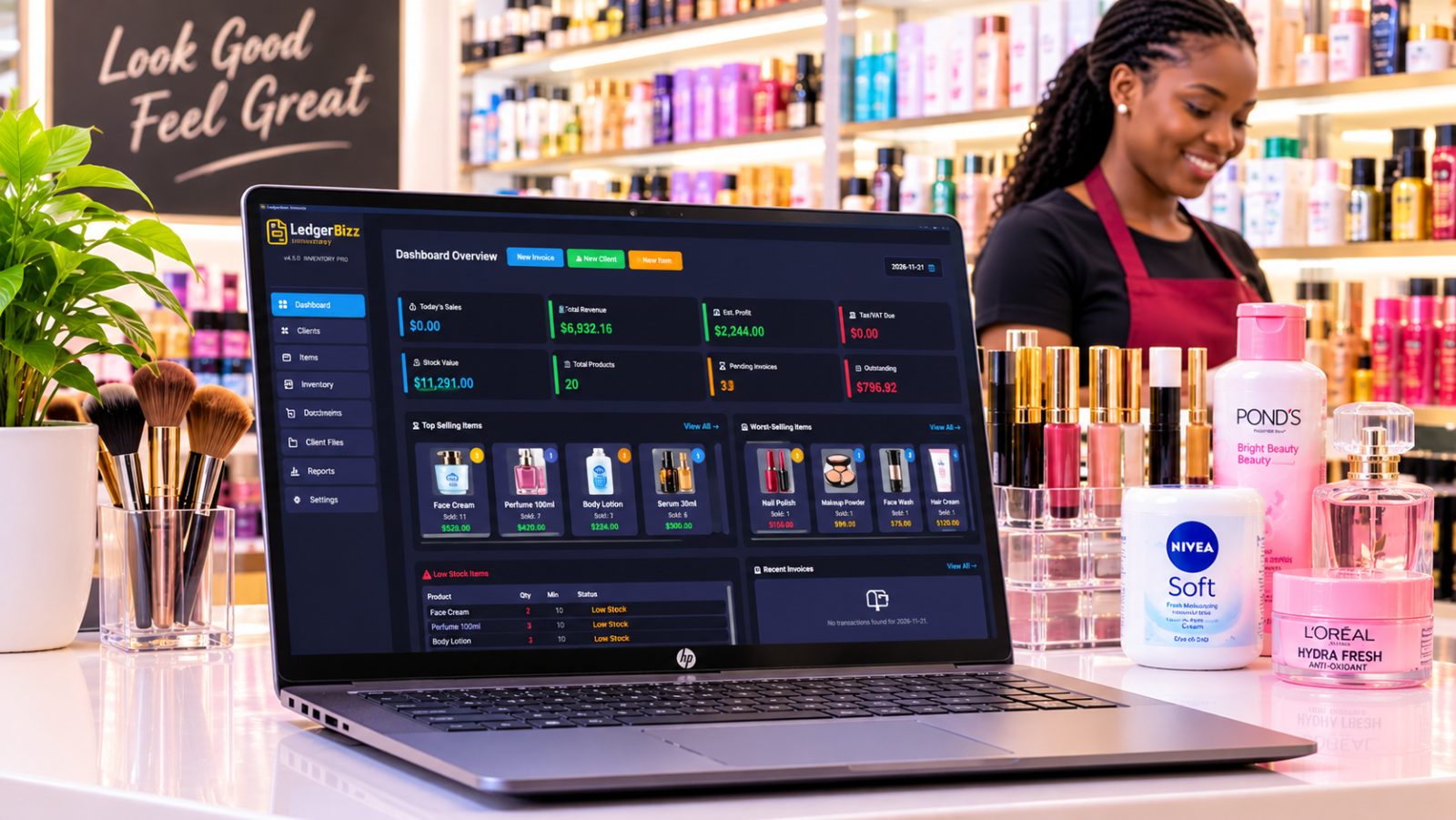
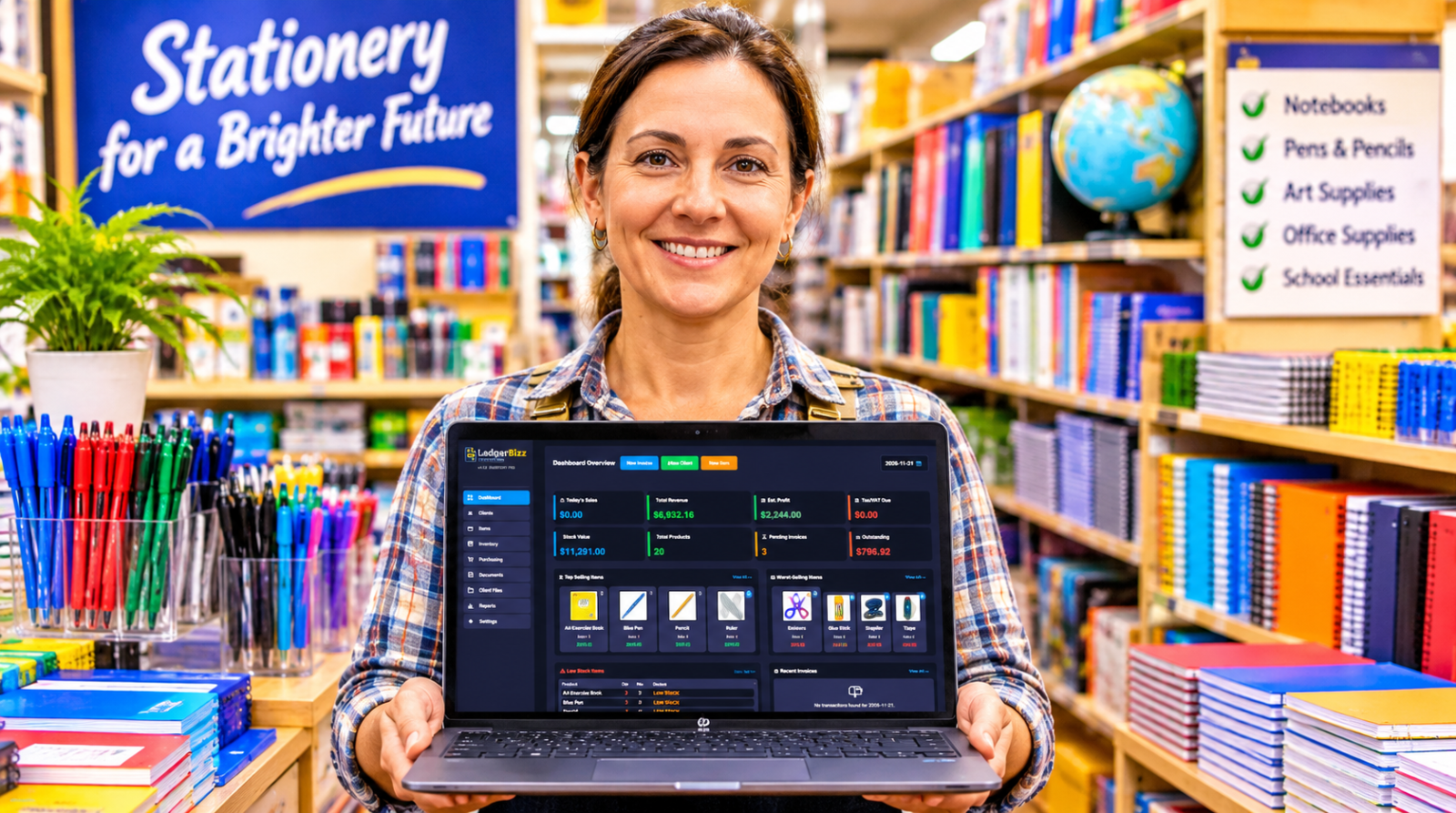
LedgerBizz Inventory provides LOW STOCK and OUT OF STOCK indicators on its dashboard and reports.
These alerts help business owners identify products that need replenishment before they become a bigger problem.
6. Inventory valuation and profit reporting #
Knowing how many products you have is important, but knowing their financial value is equally important.
Your inventory software should help answer questions such as:
- How much money is tied up in current stock?
- What is the estimated value of my inventory?
- Which products are generating the most profit?
- What is the cost of the goods sold?
- Which products are performing poorly?
LedgerBizz Inventory provides Stock Value and Estimated Profit dashboard information, together with cost-of-goods-sold-based reporting.
It also uses weighted average costing when received stock is recorded, helping businesses account for changing purchase prices.
Offline vs Cloud-Based Inventory Software vs Excel #
Small businesses generally have three options when managing stock: spreadsheets, cloud-based inventory applications, and offline desktop software.
Each approach has advantages, but the right choice depends on your business operations.
1. Using Excel spreadsheets #
Excel is a familiar starting point for many small businesses.
You can create product lists, record purchases, calculate stock balances, and build basic reports without paying for specialized inventory software.
However, spreadsheets require careful maintenance.
A deleted formula, incorrect entry, duplicated transaction, or forgotten stock adjustment can affect your records.
They also lack the integrated purchasing, barcode scanning, and stock control workflows available in dedicated inventory applications.
2. Using cloud-based inventory software #
Cloud inventory systems allow users to access their records through the internet.
They can be convenient for businesses that need access from multiple locations or devices.
However, depending on the software, everyday operations may require an active internet connection. Subscription fees and reliance on an external service provider are also factors worth considering.
3. Using offline inventory management software #
An offline desktop application stores operational data locally and allows users to perform supported business activities without an internet connection.
This can be useful for businesses that prioritize local data storage, predictable licensing costs, and uninterrupted daily operations.
Here is a simplified comparison:
| Feature | Offline desktop | Cloud software | Excel |
|---|---|---|---|
| Works without internet | Yes | Usually requires internet | Yes |
| Automatic stock balances | Yes | Yes | Requires formulas |
| Purchase management | Depends on software | Usually available | Manual |
| Barcode support | Depends on software | Depends on software | Limited |
| Overselling protection | Depends on software | Depends on software | Manual |
| Inventory valuation | Depends on software | Depends on software | Requires calculations |
| Data storage | Local computer | Provider's servers | Local files or cloud storage |
| Recurring subscription | Depends on license | Common | Not necessarily |
The important thing is to evaluate the actual features rather than assuming every offline or cloud-based program works the same way.
For a business that operates from one main computer and needs reliable local stock management, an offline desktop solution can be a practical choice.
How Much Does Offline Inventory Management Software Cost? #
Pricing is another important consideration when choosing inventory software.
A small business should look beyond the initial purchase price and consider the total cost of using the program over several years.
Some systems charge monthly subscriptions, while others offer annual licenses or lifetime payment options.
For example, LedgerBizz Inventory offers the following licensing options at the published prices:
| Plan | Price | Validity | Item and invoice limits |
|---|---|---|---|
| Free Trial | Free | 10 days | 100 items / 100 invoices |
| Pro | $39 | 1 year | 1,000 items / 2,000 invoices |
| Enterprise | $59 | 2 years | Unlimited |
| Lifetime | $169 | One-time | Unlimited, 3 computers |
The trial allows businesses to explore the main workflows before committing to a paid license. It includes watermarked PDFs and three document templates, and does not require a credit card.
The Pro plan is suitable for smaller operations with moderate inventory requirements, while Enterprise and Lifetime offer unlimited item and invoice capacity.
The Lifetime license is particularly worth considering for businesses that prefer a one-time licensing payment rather than renewing annually.
When comparing software prices, remember to consider the features included, the number of computers supported, data backup options, updates, and any usage restrictions.
Always check the current licensing terms before purchasing.
How to Set Up Offline Inventory Software for Your Business #
Installing inventory software is only the first step. To get useful results, you need to organize your product information and establish a consistent process for recording transactions.
Here is a practical way to get started with LedgerBizz Inventory.
Step 1: Install the software #
Download and install the Windows 10/11 64-bit version of LedgerBizz Inventory.
You can begin with the free trial or activate a suitable license.
Once installed, open the application and familiarize yourself with the main sections.
Step 2: Enter your business information #
Go to Settings and open Company Information and Branding.
Add your business name, Tax PIN where applicable, company logo, stamp, and signature.
This information helps personalize the documents generated by the software.
Step 3: Add your products #
Open the Items section and begin building your product catalog.
Add product names, item codes, buying prices, selling prices, photographs, and minimum stock quantities.
If you already maintain your products in Excel, you can use the supported import functionality to reduce manual data entry.
Take time to check your product quantities and prices before moving to the next stage.
Step 4: Add suppliers and record purchases #
Open the Purchasing section and add your suppliers.
You can then create purchase orders to document the products you intend to purchase.
When the supplier delivers the goods, use the Receive Stock action to record the quantities received.
This updates your inventory and recalculates the weighted average cost.
Step 5: Start invoicing and monitoring stock #
Once your product catalog is ready, begin using the invoicing workflow to record sales.
The software checks available stock when saving an invoice and prevents quantities from exceeding the available balance.
This helps reduce accidental overselling.
You can also use compatible barcode scanners to identify products more quickly during invoicing and other supported workflows.
Step 6: Configure email and backups #
If you intend to send documents through email, configure your SMTP settings under Email Configuration.
Use the Test & Save option to verify your email configuration.
You should also enable Scheduled Local Backup.
Regular backups are important because offline software stores its working database on your computer. If your computer fails, gets damaged, or its storage becomes corrupted, a separate backup can help you recover your business information.
Keep backup copies in a secure location separate from your main computer.
Is Offline Inventory Software Suitable for Your Type of Business? #
Offline inventory management software is not limited to traditional retail shops. Different businesses can benefit from having organized stock records.
Retail shops: Monitor products sold, identify low-stock items, manage suppliers, and reduce mistakes when recording sales.
Wholesalers and distributors: Maintain large product catalogs, track incoming purchases, monitor stock balances, and generate inventory reports.
Hardware stores: Manage different product categories, maintain buying and selling prices, and use barcode scanning to speed up product identification.
Small warehouses: Keep records of stock movements, monitor quantities, and maintain a clearer picture of available inventory.
Electronics shops: Record product details, maintain barcodes, and monitor stock levels for different products and accessories.
Small trading businesses: Track purchases, sales, inventory value, and product profitability without depending on an internet connection for everyday operations.
However, businesses requiring multiple branches, simultaneous access from many locations, or centralized real-time synchronization should carefully evaluate whether a local desktop system meets their requirements.
Offline software is particularly attractive when a business primarily manages its inventory from a dedicated computer.
Why Consider LedgerBizz Inventory? #
Choosing inventory software is about finding a tool that makes daily business operations easier rather than introducing more complicated procedures.
LedgerBizz Inventory brings several important stock management activities together in one Windows desktop application.
Its features include:
- Product catalog management with photographs and barcodes.
- Buying and selling price management.
- Inventory movement records and running balances.
- Supplier records and purchase orders.
- Receive Stock functionality.
- Automatic weighted average cost recalculation.
- Stock availability checks during invoicing.
- USB HID barcode scanner support.
- Code128 barcode label generation.
- Low-stock and out-of-stock indicators.
- Stock valuation and estimated profit information.
- Cost-of-goods-sold-based reporting.
- Excel import and export.
- Scheduled AES-256 encrypted backups.
- Local database storage for everyday operations.
The software is designed for businesses that want to manage inventory without depending on an internet connection throughout the working day.
It also provides different licensing options, allowing businesses to start with a smaller plan and consider a higher-capacity license as their requirements grow.
Final Thoughts: Choose Inventory Software That Keeps Your Business Moving #
Good inventory management is not simply about counting products. It is about knowing what you have, what you have purchased, what you have sold, what needs replenishing, and how much your stock is worth.
For small businesses, relying on handwritten records or complicated spreadsheets can become increasingly difficult as product catalogs and transaction volumes grow.
The right offline inventory management software can simplify these activities while giving you more control over your business records.
Before choosing a solution, check that it supports the actual activities your business performs. Look for accurate stock balances, purchase management, barcode scanning, low-stock alerts, inventory valuation, useful reports, and reliable backup options.
If you are looking for a desktop solution that brings these features together, LedgerBizz Inventory is worth exploring.
Start with the free 10-day trial and test it using your actual business workflow.
Visit LedgerBizz.com to download LedgerBizz Inventory and explore the available licensing options.